

Post-leasing server for the company: when it makes sense and how to choose it
A post-leasing server may reduce the investment cost, but its price says nothing about the condition of the disks, the availability of parts or compatibility with the planned system. We explain what to check before purchasing and when new hardware or a cloud service will be a safer choice.
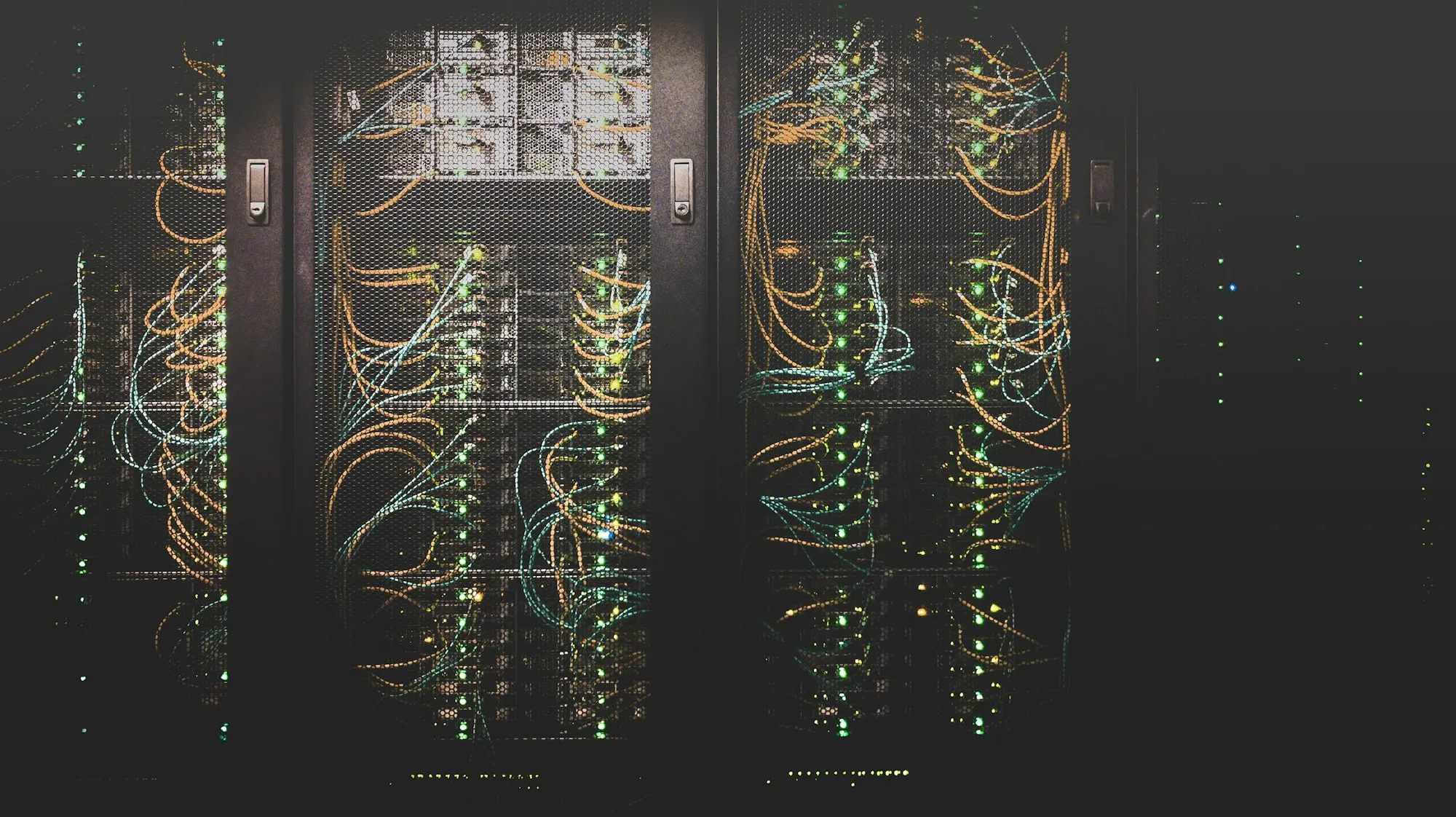
A post-leasing server can be a reasonable element of the company's infrastructure if its configuration results from the requirements and not only from an attractive price. Before purchasing, you need to assess the condition of components, warranty conditions, parts availability, software compatibility and energy and maintenance costs. In a critical environment, redundancy and a disaster recovery plan are equally important.
What does "post-leasing server" actually mean?
This term is used by sellers to describe used server-class equipment that was most often returned at the end of the lease or was withdrawn during the infrastructure replacement. However, the fact that it comes from leasing does not confirm the quality of the device. Two copies of the same model may differ in operating time, fault history, disk condition, equipment and scope of tests performed.
The ads also use the terms "refurbished" and "refurbished". They are not a sufficient description of the equipment preparation process. Before purchasing, it is worth determining in writing what the seller has checked, which elements he has replaced and what document the buyer will receive.
When such a purchase might make sense
A post-leasing server is worth considering, among others, when:
- is intended to support a test, backup, or other workload for which the allowable downtime is clearly defined;
- the company needs a large amount of RAM or many disk bays, and new hardware with similar capacity is beyond the budget;
- a second host, replacement equipment, or proven service recovery procedure is available;
- the planned system and its manufacturer continue to support the selected hardware platform;
- the purchase price savings remain significant after adding energy, licensing, parts and service.
Such equipment is not automatically a good choice for every role. A new server or cloud service may be more secure when a failure stops core operations, the contract requires vendor support, the application has a strict list of certified hardware, or the legacy platform fails to meet security and energy efficiency requirements.
The purchase price is only part of the bill
We do not provide a universal savings percentage as it depends on model, configuration, condition, warranty and current availability. A fair comparison should involve devices that meet the same requirements, not just two servers with a similar name.
When calculating your total cost of ownership, include:
- price of the device, buses, disk bays and required licences;
- purchase of new or proven data carriers;
- server power consumption, cooling and backup power;
- cost of spare parts or service contract;
- configuration, migration, testing and documentation time;
- expected period of continued support for the operating system, hypervisor and firmware.
An older platform may be cheaper to buy, but more expensive to run for several years. Therefore, the decision should be based on measurement or manufacturer's data for a specific configuration, and not on the device generation itself.
How to choose a model and configuration
First, the load is determined: number of virtual machines, application requirements, data volume, expected growth, network traffic, target RPO and RTO, and allowable downtime. Only then are processors, memory, media, controllers and network interfaces selected.
Popular models on the secondary market differ in important details:
- HPE ProLiant DL360 Gen9 is a 1U platform for Intel Xeon E5-2600 v3 or v4 processors. It has 24 memory slots; the maximum capacity depends, among other things, on the type of modules and the number of processors. Before purchasing, you must check the exact configuration number, controller, disk baskets and iLO licence.
- Dell PowerEdge R640 is a 1U platform with 24 memory slots and 1st or 2nd generation Intel Xeon Scalable processors. It comes in many memory and bay variants, so the maximum capacity declared by the seller does not have to be achievable with any processor and modules.
- Dell PowerEdge R650 uses 3rd generation Intel Xeon Scalable processors and DDR4 memory. It is not a model intended exclusively for NVMe drives: the manufacturer provides variants with SAS, SATA and NVMe drives. The type of backplate and controller must be verified before ordering media.
- Dell PowerEdge R7515 is a 2U platform with a single AMD EPYC processor. It may be of interest for workloads requiring many cores or a large number of disks, but the appropriateness of the choice depends on the specific application, licensing and expansion requirements.
Model name is not enough to order. At a minimum, you need processor numbers, number and type of RAM modules, bay layout, controller model, network interfaces, power supplies, buses, and remote management licence level.
Pre-Purchase Checklist
1. Device identity and origin
Request a serial number or Service Tag, unit specifications, sales document and a description of the renewal process. Check whether the markings of the housing and components are consistent with the offer. The manufacturer's service history, if available, may help, but its absence does not prove either good or bad condition.
2. Test results
The general statement "equipment tested" is too vague. The report should indicate what tests were performed and with what results. It is worth including memory, processors, controllers, network interfaces, power supplies, fans and all bays.
For media, request diagnostic data appropriate to your device type. The SMART "OK" status itself does not describe the entire health of the drive. In a production server, it may make sense to use new media of a class specific to the workload, even if the rest of the device is in use.
3. Software updates and compatibility
Check for the latest BIOS, controller firmware, and iDRAC or iLO. Then verify the compatibility matrix of the operating system, hypervisor, drivers and applications. You should not assume that every current version of VMware ESXi, Windows Server, Linux, or other system supports every older generation of server.
For Proxmox VE, the manufacturer recommends server-class hardware, fast and redundant disk space, and additional memory for virtual machines and selected storage technologies for production environments. However, this does not replace testing of the specific controller, network card and disk configuration.
4. Remote management and administrative access
iDRAC or iLO interface facilitates diagnostics without physical presence at the device. Before implementation, you must restore the controlled configuration, update the software, change access data, limit network access and check the scope of the licence. The management panel should not be exposed directly to the Internet.
5. Warranty and failure handling
Seller warranty is not the same as active manufacturer support. NBD can mean next business day service, parts shipping or a technician visit. The meaning of the abbreviation, application reception hours, access area, excluded elements and transport costs must result from the terms of the specific contract.
Also determine whether the seller provides a replacement device and how it handles media containing data. If a damaged drive is to leave the company, a procedure is needed that is consistent with the organisation's data protection policies.
Reliability: what cannot be responsibly promised
It cannot be said that every server that is several years old is as reliable as a new one. The age of the device, operating temperature, load, transportation, quality of maintenance and the condition of individual components affect the risk of failure. A pre-sale test reduces uncertainty but does not eliminate it.
Risk is managed through the architecture: power and disk redundancy, monitoring, backups, recovery testing, parts availability, and a service transition or rebuild plan. RAID increases resilience to media failure, but does not replace a backup.
What does the implementation with NexaIT look like
We start with an inventory of applications, data and dependencies and by setting recovery parameters. On this basis, we compare the new, post-leasing and cloud variants, if each of them is technically possible. The offer indicates the configuration, scope of tests, licences, migration work and liability of the parties.
After delivery, we verify the compliance of the unit with the order, update the firmware, configure management, mass memory, network and system. Then we perform project-specific tests, implement monitoring and backups, and provide post-implementation documentation. The scope and deadline of implementation depend on the availability of equipment, the size of the environment and the migration window; we do not provide one deadline for all implementations.
We can perform post-launch support within IT outsourcing for companies. We agree on the network design, segmentation and emergency power supply together with the rest network infrastructure.
Frequently asked questions
Is the post-lease server safe for data?
The age of the server alone does not determine data security. Configuration, updates, access control, encryption, monitoring and independent backups with regular recovery tests are important. Media from the previous owner should be safely erased or replaced in accordance with the adopted risk assessment.
Does the server include a Windows Server or hypervisor licence?
This should not be assumed. Hardware and licences must be verified separately. The right to use or transfer a licence depends on its type, contract and manufacturer's policies. Licence configuration must be confirmed for your specific deployment prior to purchase.
How many years should a used server last?
There is no reliable common period for all units. The operating horizon depends on the condition of the device, availability of parts and updates, application requirements, energy consumption and accepted risk. The plan should include a reassessment deadline and a replacement scenario, rather than being based on the promise of a specific number of years.
Are you considering purchasing a server? Write to us. We will compare the requirements with available variants and also indicate situations in which post-lease equipment will not be the right choice.
Technical sources
- Dell Technologies, Dell EMC PowerEdge R640 Technical Guide, https://i.dell.com/sites/csdocuments/shared-content_data-sheets_documents/en/us/poweredge-r640-technical-guide.pdf
- Dell Technologies, Dell EMC PowerEdge R650 Technical Guide, https://i.dell.com/sites/csdocuments/product_docs/en/poweredge-r650-technical-guide.pdf
- HPE, HPE ProLiant DL360 Gen9 Server - Product Information Reference, https://support.hpe.com/hpesc/public/docDisplay?docId=c04442953&docLocale=en_US
- Proxmox Server Solutions, Proxmox VE Administration Guide, https://pve.proxmox.com/pve-docs/pve-admin-guide.pdf