

The network is part of the production process.
Terminals, label printers, the ERP system and shop-floor equipment aren't separate topics. Together they decide whether an order moves through the process without downtime.
- zone separation
- VLAN
- designed after measurement
- Wi-Fi
- process stops, no workaround
- P1
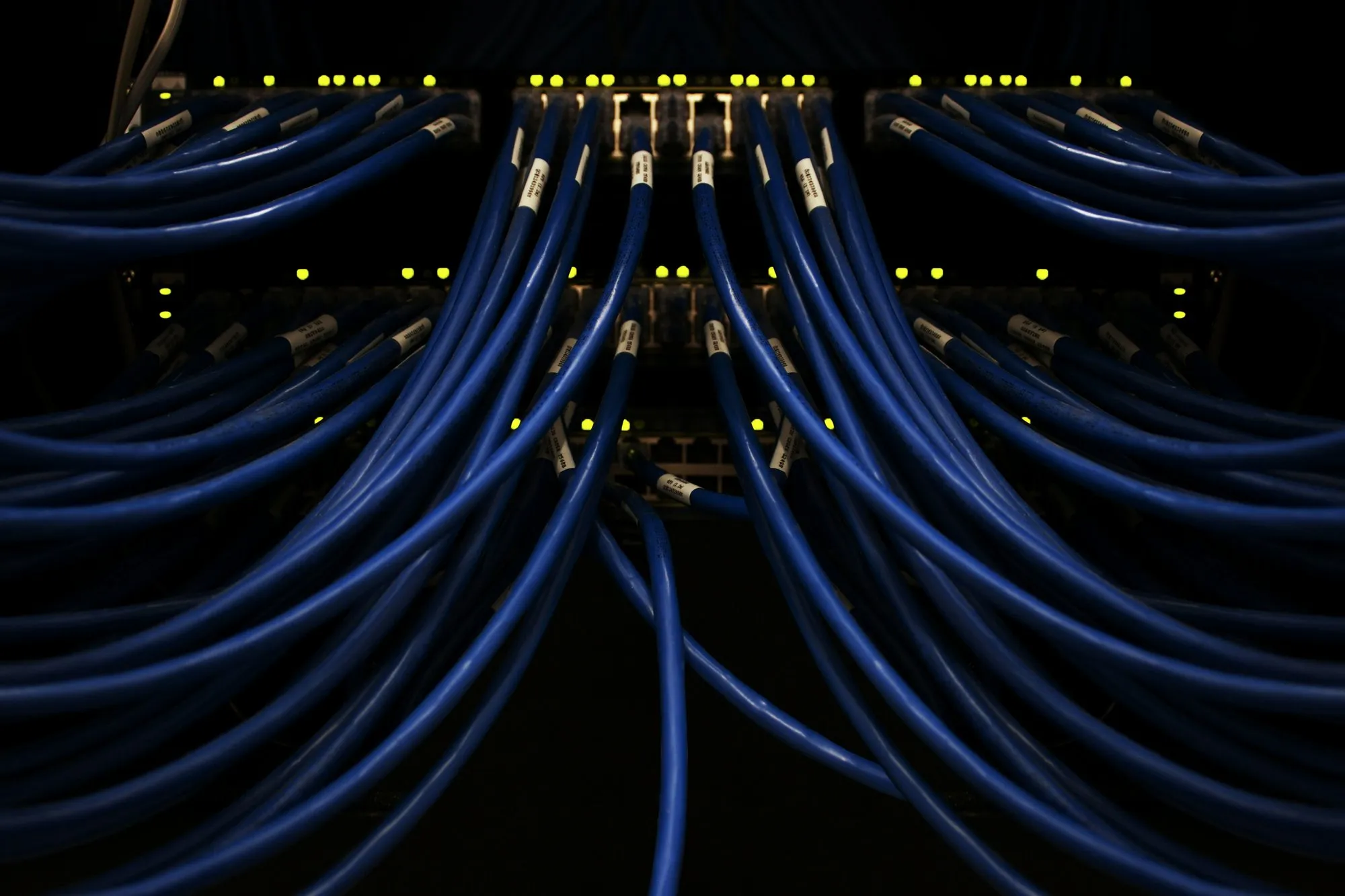
Critical systems and workarounds come first.
We map the dependencies between the network, servers, terminals, ERP and internet access. For each critical element we record the impact of a failure and a workaround that operations can accept.
Wi-Fi design for a hall where work is under way.
Racking, machinery, stock and forklift traffic change radio conditions. We measure Wi-Fi in conditions close to normal operation and split upgrades into stages.
- separate office, production and guest networks
- backup power for critical devices
- documentation of ports, racks and IP addressing
- maintenance window agreed with operations
After handover, day-to-day operation begins.
Monitoring, configuration backups, updates and change records are part of maintenance. Without them, even a well-built network becomes hard to troubleshoot within a year.
Every port and cable leads to a known place.
Before an expansion we check cable routes, racks, power, switches, labelling and free ports. The design covers the devices in use today and those still to come: workstations, machines, terminals and cameras. After installation we label the ports and hand over as-built documentation with the test results.
Office, production and guest devices, servers and IoT equipment go into separate networks. Access rules follow the process: a terminal connects to the service it needs but cannot see the whole network. Before handover we test the segmentation together with the printers, scanners and applications used on the floor.
We match backup power, a backup connection and spare hardware to the impact of a failure. Not every port needs redundancy, so we first identify the elements whose loss stops the process.
We measure terminal coverage where it actually works.
We don't design Wi-Fi from floor area. Racking, materials, machinery, doors and forklift traffic change how the signal travels. We establish the device types, frequency bands, critical areas and the routes people take, and we measure in conditions as close as possible to everyday work.
A terminal on the move keeps switching between access points. We check whether the devices support fast roaming (the IEEE 802.11r, 802.11k and 802.11v standards) and whether the warehouse application keeps its session along the whole route. Handover includes a test on real terminals, not just a coverage map from a laptop.
If the building's structure makes the target impossible without extra cabling or access points, we say so before the scope grows, not after installation.
A backup of a critical system comes with a plan for restoring it.
For the server, the ERP database and production files we establish the dependencies, the start-up order and the backup scope. We monitor backup jobs and, at an agreed interval, run a restore test and record the result.
We coordinate changes to the ERP, production equipment and integrations with their vendors. NexaIT is responsible for the infrastructure, access, network and servers, while the process owner approves the business rules. When something fails, nobody waits to see who speaks up first.
Acceptable downtime and acceptable data loss are business decisions. We help translate them into architecture and cost, but we don't assume the highest level of protection for every system.
Every upgrade has an implementation plan and a plan to roll back to the previous state.
We split the work into stages and agree maintenance windows with the person responsible for operations. Before a change we record the starting state, the configuration, the success criterion and the conditions for rolling back.
Not every upgrade needs the whole facility to stop. We prepare some devices in parallel, switch over zone by zone or set up a temporary workaround. If a safe change requires stopping the process, we say so in the quote.
Handover covers the scenarios agreed before the start, not just whether the devices power up. The person responsible for operations confirms that the process works.
Ongoing support: monitoring speeds up diagnosis, procedures keep it orderly.
We monitor the agreed servers, network devices and workstations, respond to alerts and schedule updates. Staff report problems in a single queue, and the priority reflects the impact on production or the warehouse. A stopped process with no workaround is P1; a fault on a single workstation is P3.
The price of support depends on the number of devices, locations, shifts and critical systems, the support hours and the SLA you need. Hardware, licences, cabling and larger projects are priced separately. Before the proposal we agree when remote help is enough and when a visit is needed.
The monthly report shows the work done, recurring problems and the decisions waiting on your side. We silence alerts that don't matter to the process so the important ones don't get lost in the inbox.
- Helpdesk and P1-P4 priorities
- monitoring and updates
- backup checks and documentation
- planned infrastructure visits
- coordinating system vendors
What does an hour cost when production stops?
Run the numbers for your own business. Then let's talk about what it costs to make sure those hours don't happen.
Our apps
Staff planning and huddles: Crewline, our system for operations.
Volume forecast, the gap on every shift, optimal crew allocation, Hourly Flow, KPI sheet and tier 1, 2 and 3 huddles in a single work cycle. Installed on your server, deployed by NexaIT.
Discover Crewline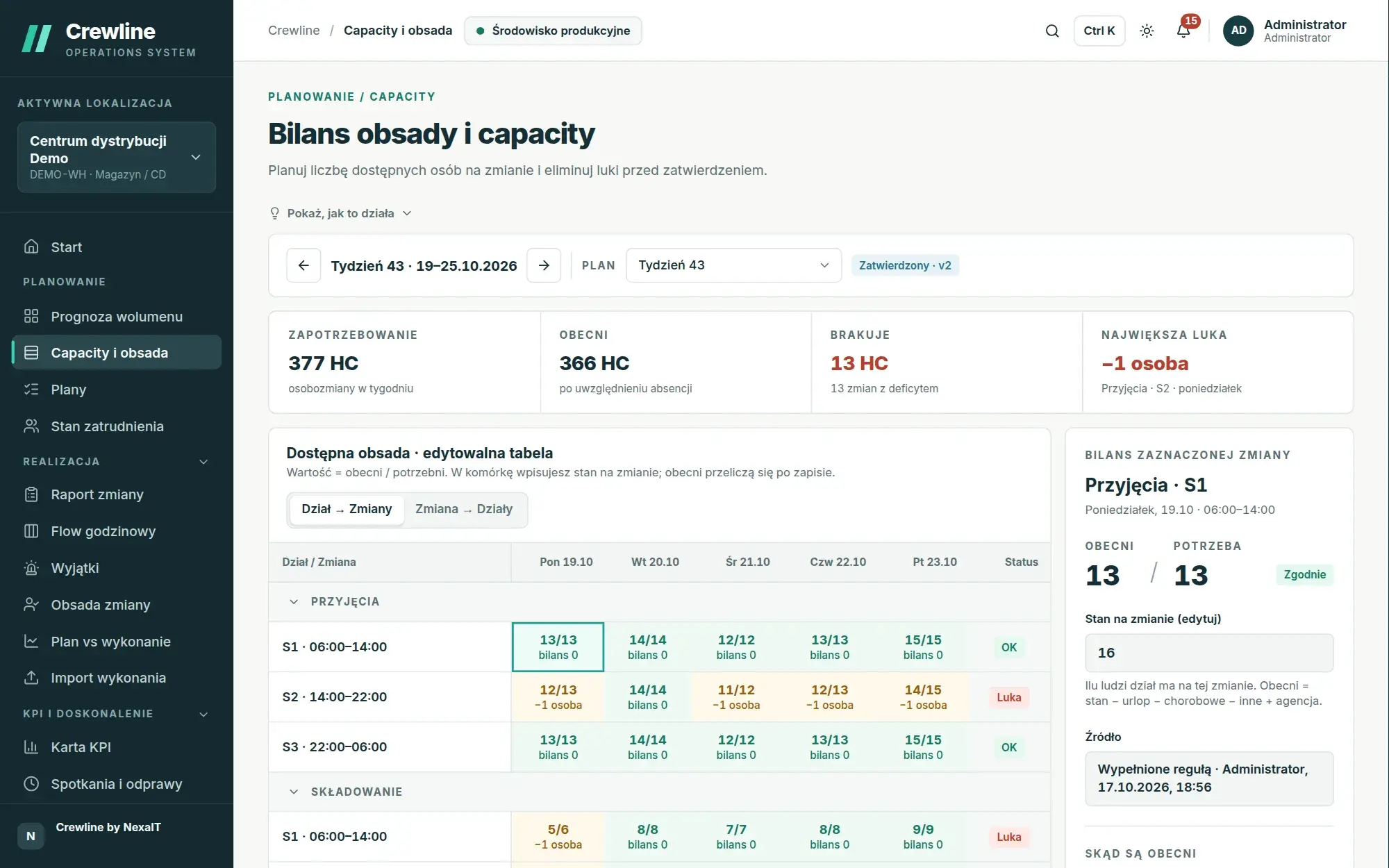
Our apps
Fault reports from the shop floor: Nexa Hub, our ticketing system.
The employee scans a QR code on the door or signs in at the kiosk with their number and PIN, and the ticket reaches the right department with the location, equipment and an SLA deadline counted in shift hours.
Discover Nexa Hub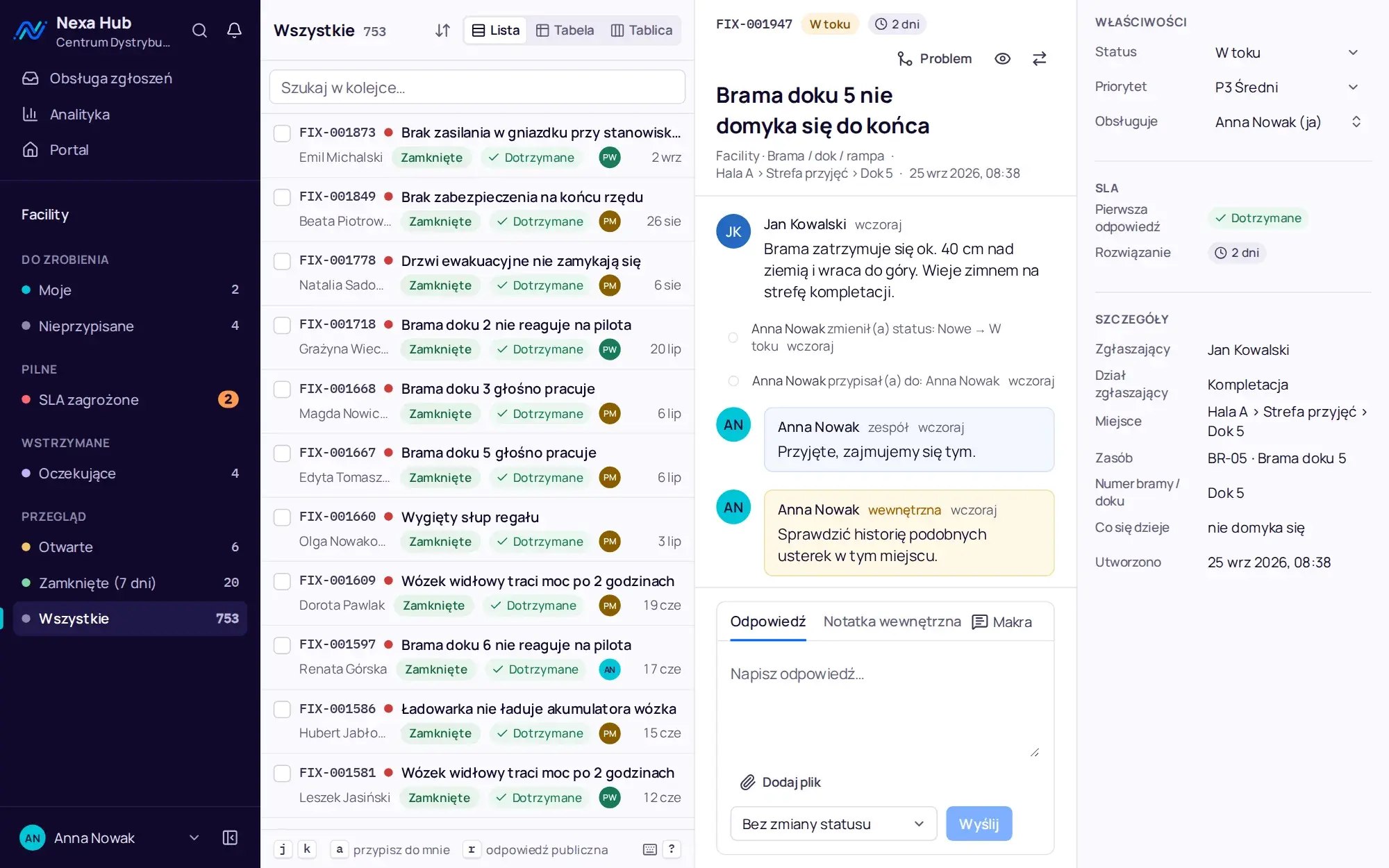
Warehouse, yard and office in one network.
All case studies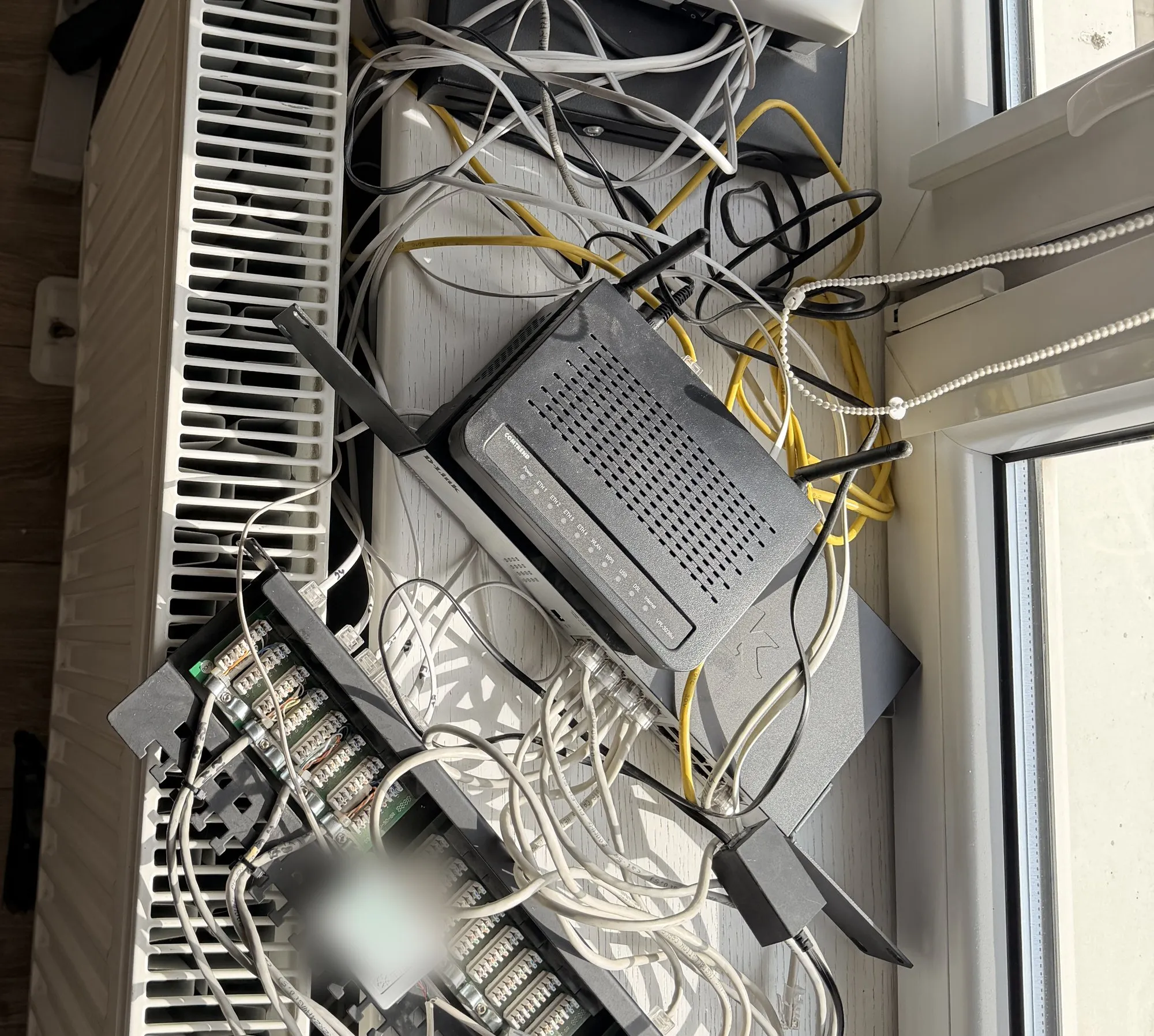
Free · 60 minutes online · no obligation
An IT review, an hour with an engineer instead of a sales presentation.
- You talk to an engineerOnline, by video call. Not with a salesperson. We don't install or change anything.
- We check 8 areasBackups, access, network, email, server, licences, protection and KSeF readiness.
- You get a scorecardThree priorities on one page, emailed after the meeting. Yours to use however you like.
office@nexait.plMessage us on WhatsApp
We don't use a contact form, but we answer the phone and reply to emails and WhatsApp messages during working hours.