

Ongoing IT support · under subscription
Business networks and Wi-Fi with design, documentation and management from a single dashboard
We design, build and maintain business networks on Zyxel and Ubiquiti UniFi equipment. With Wi-Fi coverage surveys, documented addressing, separated zones and management from one place, including for sites away from your head office.
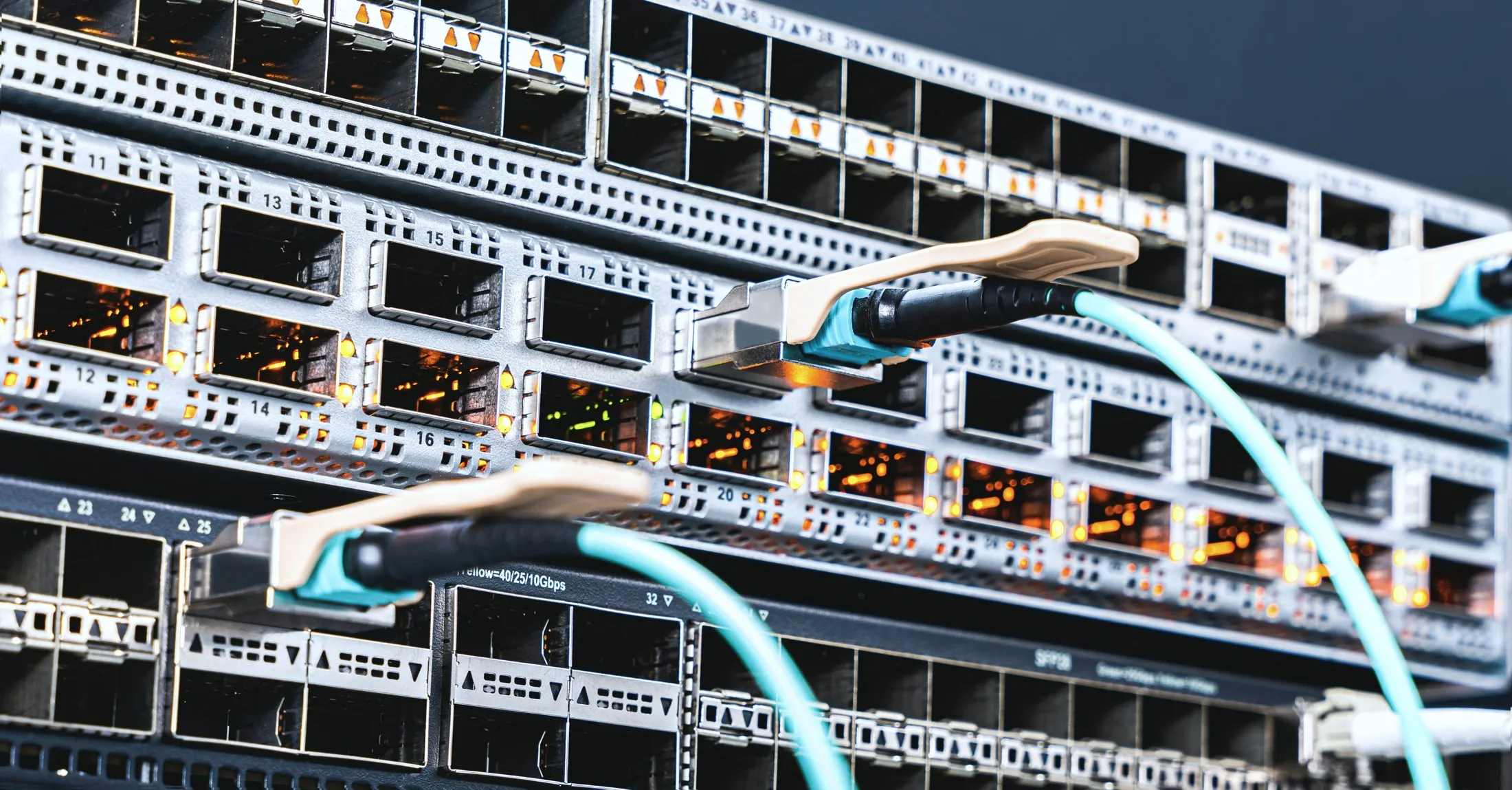
When your business network needs a review
When we take over a network, we most often find that it works thanks to one person's memory. These signs tell you it is time for a design or for tidying up the current installation.
If you recognise two or three of these signs, a free IT review will show you where to start.
- Wi-Fi works well in part of the office and only "sort of" in the rest.
- Everyone is on one network: guests, staff, cameras, printers and the server.
- Anyone who has ever visited knows the company Wi-Fi password.
- There is no network diagram or description of which cable goes where.
- When something fails, step one is unplugging cables one by one.
- Remote working runs on something someone set up years ago that nobody understands.
- The business is growing and the new room has no network sockets.
This is the difference you're paying for.
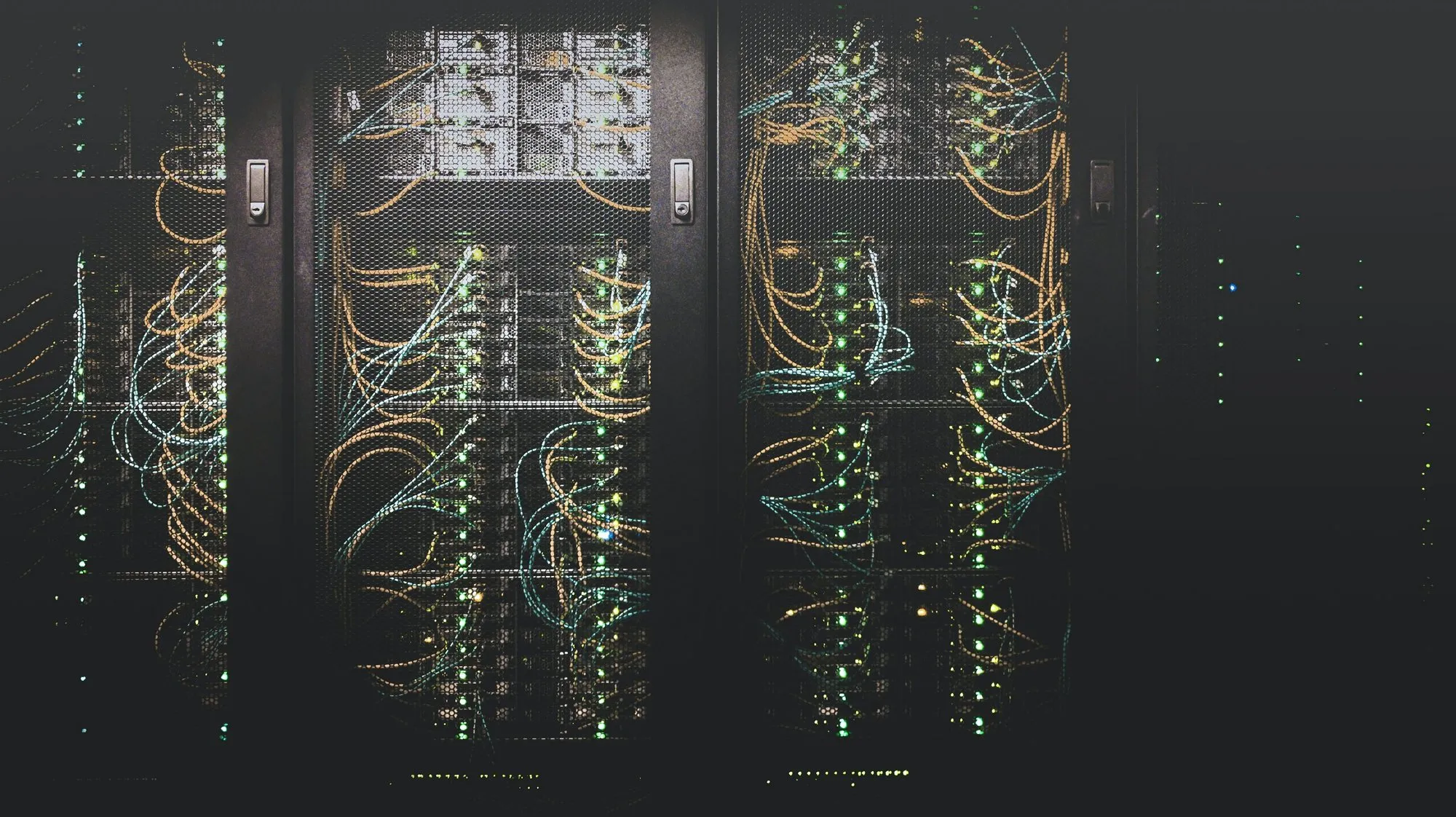
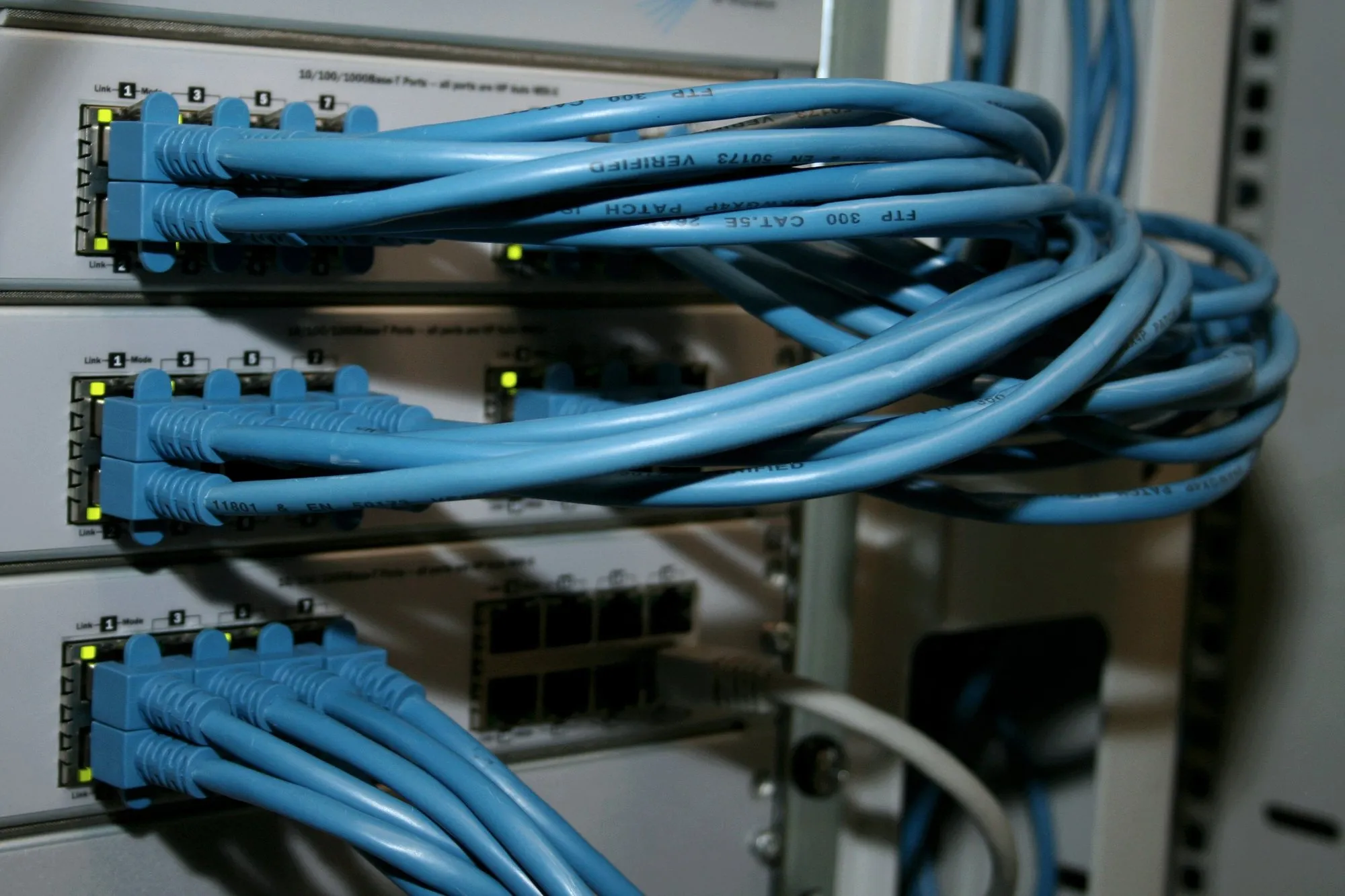
On the left, a network where nobody knows what goes where. On the right, cables that are labelled, routed and recorded in the documentation. Drag the slider.
 BeforeAfter
Illustrative photos. They do not show NexaIT projects.
Wi-Fi design, network build and maintenance from survey to documentation.
- 1
Network review and design
An inventory of devices, a Wi-Fi coverage survey, and defining zones and addressing. The design is done before any hardware is bought, so you only buy devices that have a role in it.
- 2
Structured cabling
Cable routes, sockets, a patch panel and a rack, with every port labelled so diagnosis needs no guesswork. Installing a network point in our region starts from PLN 242 net, materials extra.
- 3
Wi-Fi design matched to your premises
Wi-Fi design starts with a survey of the building: walls, ceilings, racks and the number of people in each zone. On that basis we decide on access point placement, channels, transmit power and a separate guest network. The goal is even performance throughout the office, including a meeting room full of laptops.
- 4
Segmentation and access control
Separation of zones for guests, employees, production equipment, monitoring and servers, with rules defining what can talk to what.
- 5
Remote access for employees
A secure VPN tunnel with two-factor authentication and named accounts, so when someone leaves, you disable one account and you're done.
- 6
IP video surveillance
PoE IP cameras, recording to a local recorder and a separate network zone for cameras. We position them around what needs to be visible, and agree the retention period with you, because data protection law applies to it.
- 7
Management from one dashboard
One platform to manage wireless, switches and the security layer, across multiple sites too.
- 8
Ubiquiti UniFi networks
We build Ubiquiti UniFi networks from scratch and take over existing installations: the controller, access points, switches and gateway. We tidy up the configuration, update the device firmware and write up the documentation. We work with this technology without partner status.
- 9
Network outsourcing and maintenance
Ongoing network support: alerts when devices go offline, firmware updates, configuration changes and regular reviews. From the BUSINESS IT package it covers a basic network with guest and company traffic separated and remote access, and from PROFESSIONAL IT full management: the controller, segmentation and firewall.
- 10
Network documentation
A diagram, an addressing table, a description of zones and ports, and credentials handed over with a signed record. A document that lets another engineer take over the network without rediscovering it.
The company Wi-Fi password is already known to half the neighbourhood.
One network, the same password for years, and connected to it are the accounting computers, the payment terminal, the printer and the laptop of the air conditioning technician from last Tuesday. We split this into separate networks.
Platforms we deploy and how they differ.
The choice of platform follows from the requirements: firewall features, the number of sites, event history and the cost of the whole project including any licences.
What you get in writing.
Network design
Logical and physical diagrams, an addressing table, the zone layout with its rationale and a list of selected equipment with each device's role.
As-built documentation
Patch panel port labels, access point locations and photos of the rack once work is complete.
Coverage survey report
A post-installation Wi-Fi coverage map, marking weaker-signal areas and explaining what affects them.
Access handover record
Credentials for the management dashboard and devices, handed over in writing together with rules for storing them.
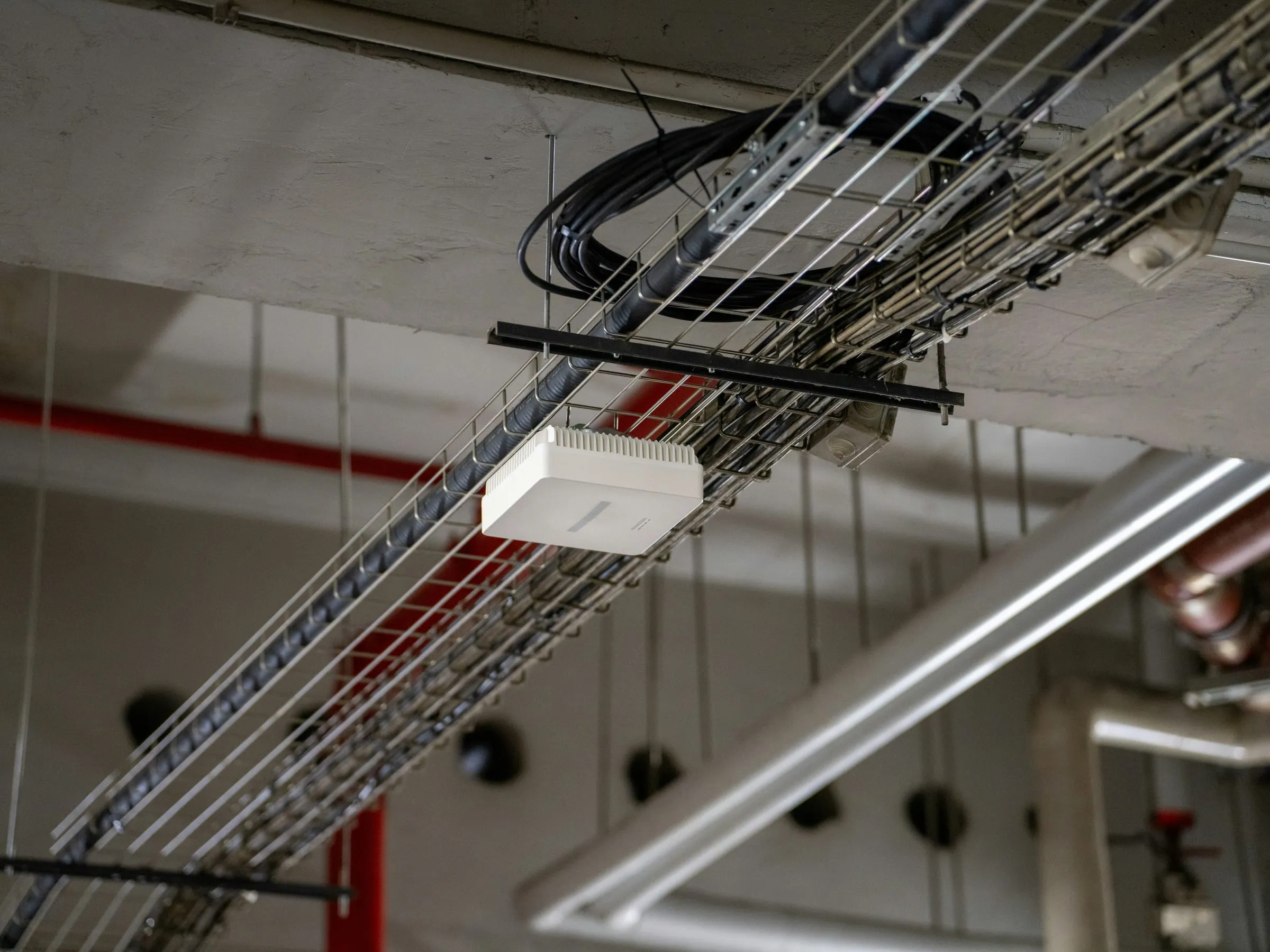
Who is responsible for what.
An internet connection outage is the provider's responsibility. We can diagnose and report it, but we have no control over how long the fix takes and make no commitment on it.
On the NexaIT side
- network design, equipment selection and configuration to the design
- installing or supervising structured cabling
- configuring zones, access rules and the wireless network
- setting up and maintaining remote access for staff
- monitoring network devices and updating their firmware
- keeping the network documentation and addressing table up to date
- diagnosing and fixing faults within the agreed scope
On your side
- access to the premises and the building owner's consent for installation work
- a budget for hardware, management platform licences and installation materials
- the contract with your internet provider and reporting connection outages to them
- telling us which devices and systems need to reach each other, because that follows from your business processes
- deciding the access rules for guests and subcontractors
- telling us about staff changes so remote access accounts can be disabled
- power and suitable conditions where the rack is installed
What this service doesn't include.
Clear scope boundaries are part of a good contract. We talk about them before the contract is signed.
We coordinate building work and certification measurements with a subcontractor if you need them. We quote them separately, because their scope depends on the building's construction.
Show the list of exclusions
- network equipment, management platform licences and installation materials, which we invoice separately
- building work: openings in load-bearing walls, trunking on the facade, making good the plasterwork after installation
- the internet connection or responsibility for its availability and performance
- cabling certification tests by an accredited body that issues a test report
- maintaining devices we don't have administrator access to
- access control and alarm systems, which are a separate specialism
- the legal assessment of video surveillance, which is for the data controller and their adviser
- repairing damage from power surges or physical damage to cabling
Who network design and outsourcing are for
It makes sense if
- Your network serves more than a few computers and the business genuinely depends on it.
- You want to separate guests, staff and production equipment.
- You have several sites and managing each one separately is no longer workable.
- You need documentation because your current network is a mystery to you too.
We don't recommend it if
- One router for five people in one room is enough. A network design would be money with nothing to show for it.
- The equipment must be the cheapest available. On that basis, central management and monitoring can't be maintained.
- The building allows no installation work at all, yet Wi-Fi has to cover the production floor.
- You expect a commitment on internet connection availability. That always stays with the provider.
How much do Wi-Fi design and a business network cost
Installing a structured cabling point in the region costs from PLN 242 net per point, with materials billed separately based on usage. A simple office Wi-Fi setup with one access point or router costs PLN 350 to 850 net. We bill the design of a managed network with a controller and zones by the hour, at PLN 280 net per hour, and give you the number of hours after the review. The price depends on:
- how many network points are needed and how difficult the cable routes in the building are
- floor area and wall construction, which determine how many access points are needed
- how many zones and access rules need to be designed and maintained
- how many sites there are and whether they need a site-to-site VPN
- the choice of management platform and how its features are licensed
- whether network equipment needs a backup power supply
- whether we're working in a live environment, because migrating without downtime costs more than building from scratch
Questions before you decide.
Zyxel or Ubiquiti UniFi?
Requirements decide, not the brand: the firewall features you need, the number of sites, the length of event history in the panel and the cost of the whole project including any licences. In Zyxel Nebula basic management is free, while firewall security services and longer history require licences. In UniFi, according to the vendor, management requires no licence. We are a Zyxel Networks Partner, and we deploy UniFi without partner status. We don't replace working infrastructure just because of the brand.
How many access points does a 200 m² office need?
It cannot be stated responsibly without seeing the layout of the rooms. Two access points may be enough in an open-plan space, while with reinforced concrete walls and filled plasterboard partitions the same floor area may need four. That is why we start every Wi-Fi design with a survey of the building.
Do we have to shut down while the work is done?
Usually not. Cabling can be installed while the office is working, and we schedule the switchover to the new configuration in a maintenance window, most often in the evening or at the weekend. Work outside office hours carries a surcharge in line with the price list, and we show it in the quote from the start.
What about the network in a production hall or warehouse?
This is a different problem from an office: longer distances, metal obstacles, forklift traffic and mobile devices moving between access points. It requires an on-site survey and equipment suited to those conditions. We design the network so that terminals and label printers work throughout the hall, including the aisles between the racks.
What does network outsourcing involve?
We take responsibility for the network in your business: we monitor the devices, update their firmware, make changes and fix faults under a subscription with the response time set out in the contract. We start with a review and documentation of the current network, because without them nobody can take responsibility for it. The internet connection stays with the provider.
From our projects, without client names.
All case studies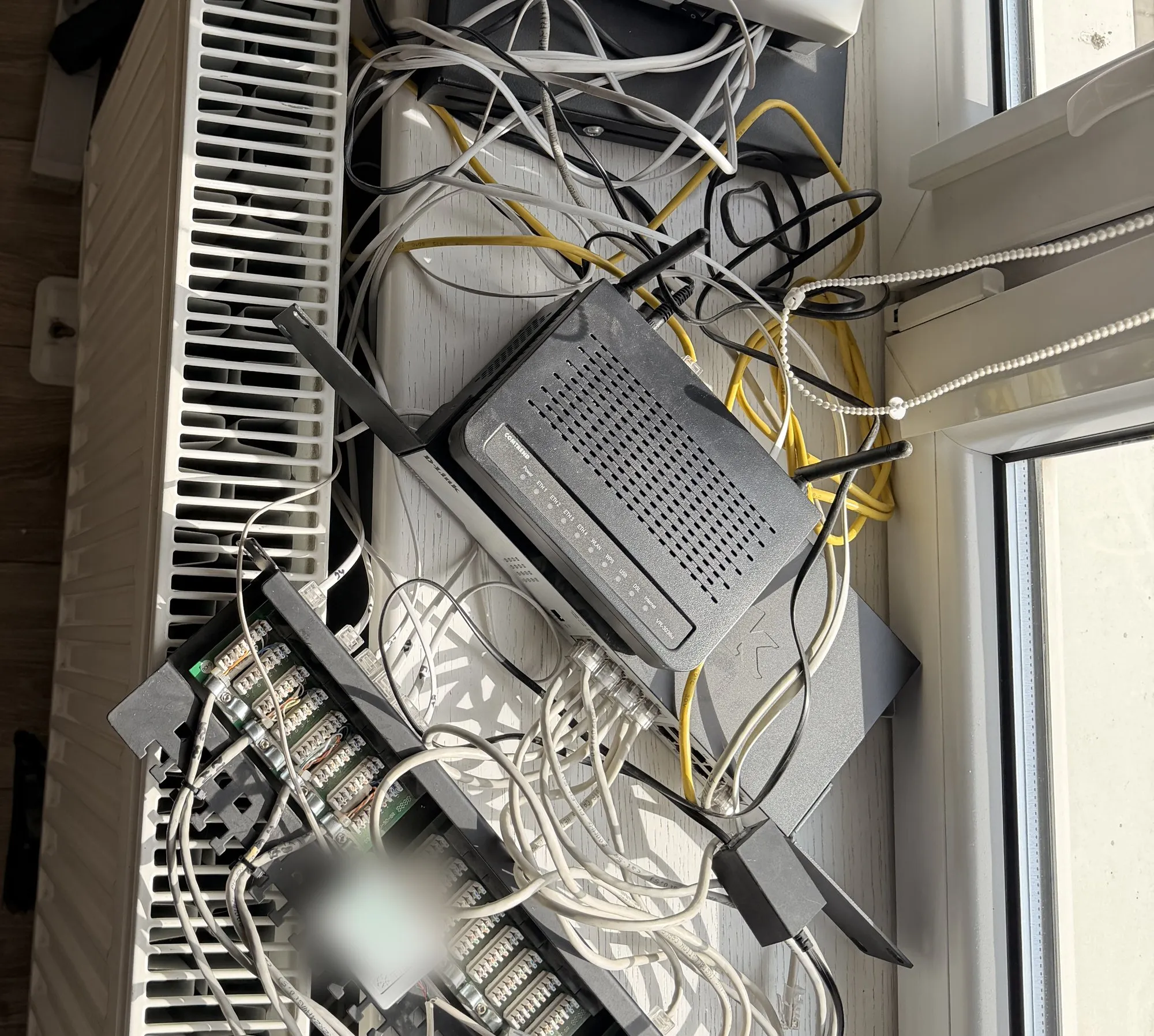
Related
Free · 60 minutes online · no obligation
An IT review, an hour with an engineer instead of a sales presentation.
- You talk to an engineerOnline, by video call. Not with a salesperson. We don't install or change anything.
- We check 8 areasBackups, access, network, email, server, licences, protection and KSeF readiness.
- You get a scorecardThree priorities on one page, emailed after the meeting. Yours to use however you like.
office@nexait.plMessage us on WhatsApp
We don't use a contact form, but we answer the phone and reply to emails and WhatsApp messages during working hours.