

Data backup in a business: how to plan a backup you can actually restore
A backup is only worth something once someone has restored data from it and measured how long it took. We describe what to back up, where to keep copies, how backup differs from RAID and file synchronisation, and how to run a restore test in a small business.
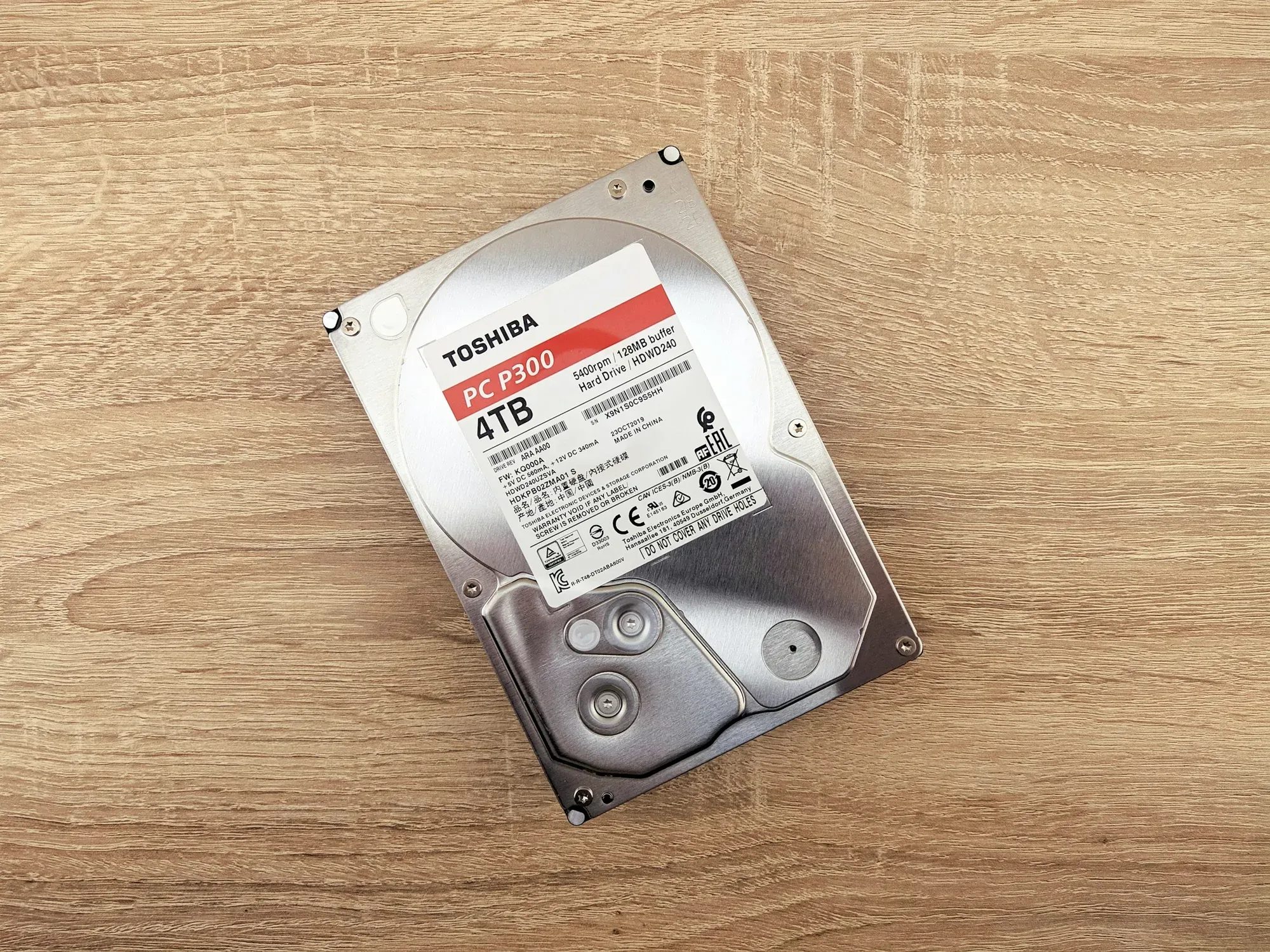
Ask about backup and the most common answer is "we have one, the IT guy set it up". Ask when someone last restored anything from it, and there is usually no answer. Those two questions are the difference between a backup and the hope that there is one.
A backup job can finish with a green status every night and still cover an old folder, an inconsistent database or an archive encrypted with a password nobody remembers. You find out on the day you need the backup. That is why data backup in a business is designed backwards: starting from what you need to be able to restore, and how quickly.
What data backup in a business is
A backup is a separate copy of data, stored away from where the data is created, with version history and a tested restore procedure. All three elements count: separation, versions and procedure. Without any one of them, the backup will fail in one of the typical scenarios.
Two things are regularly confused with backup: they give a sense of security, but protect against something else.
File synchronisation vs backup
OneDrive, Google Drive and Dropbox make sure the same version of a file is on every device. If someone overwrites a spreadsheet with wrong data or malware encrypts a folder, synchronisation will dutifully spread that state everywhere. The recycle bin and version history help with a single file, but they have limited retention and work within the same account, which can be compromised.
Why RAID is not a backup
RAID is a way of combining several drives into one array so that the failure of one of them does not stop the server. RAID 1 keeps a mirror copy on two drives, while RAID 5 and RAID 6 spread data along with redundant information. It is a business continuity mechanism.
A deleted file disappears from both mirrored drives at the same moment. A file encrypted by ransomware is encrypted across the whole array. Fire, flood or theft take the server along with all its drives. A file server or NAS with RAID still needs a separate copy on another device, preferably in another location.
What to back up first
Start with a list of the systems without which the company cannot issue an invoice, dispatch goods or reply to a customer. In a small business, this list usually looks similar:
- the database of the accounting software, ERP or sales system, backed up using the application's or database engine's own mechanism, because copying an open database file produces an inconsistent copy,
- shared files: contracts, quotes, project documentation, HR documents,
- email and documents in Microsoft 365 or Google Workspace,
- server, firewall and switch configuration, which takes many hours to rebuild by hand,
- data on the laptops of people who work away from the office and keep files locally.
There is usually no point backing up the operating systems on workstations, because it is faster to set up a computer from an image. Private photos and videos on a company drive only increase the size of the backup and make restoring it take longer.
When we take over an environment, we sometimes find that the company's most important system runs on an ordinary office computer. That was the situation we found in one of our projects: the ERP system ran on a computer with a single drive and a single power supply, with no confirmed, tested backup. In a setup like that, the failure of one drive means downtime and the loss of all data since the last manual backup, if anyone made one.
The 3-2-1 rule in practice for a small business
In its ransomware guide, CERT Polska (Poland's national CERT) describes the 3-2-1 rule: at least three copies of data, at least two on different media and at least one isolated so that ransomware cannot encrypt it. In an office of a dozen or so people, this usually translates into production data on the server, a backup on a separate NAS device in another room and a copy outside the building, in the cloud or at a second location, with deletion lock.
The word "isolated" carries more weight here than the numbers themselves. A USB drive permanently connected to the server or a network share visible from every computer belongs to the same risk zone as the data it is supposed to protect. CERT Polska points out that a backup should not be connected as a network resource on the working network. In its #StopRansomware guide, the US agency CISA recommends keeping offline, encrypted backups, because many ransomware variants search for accessible backups in order to delete or encrypt them.
We set out 3-2-1 variants for businesses of different sizes, including the choice of media and the off-site backup location, in a separate article on the 3-2-1 rule in business.
RPO and RTO: two decisions for management
Before anyone proposes specific hardware or a service to you, two numbers should be on the table.
RPO (Recovery Point Objective) defines how much work the company can afford to lose. A backup made at 22:00 and a failure at 15:00 the next day mean losing seventeen hours: everything the team entered since the morning has to be recreated from documents and from memory.
RTO (Recovery Time Objective) defines how long the company can be out of action, counting from the failure until people are working again. RTO includes getting replacement hardware, downloading data over the connection, starting services and checking that they work correctly.
Both numbers are set by management, because they know what a day without invoicing costs. The IT team's job is to price them. More frequent backups raise the cost moderately, while a shorter restore time usually raises it much more, because it requires standby hardware or machine replication. We describe how to turn these concepts into budget decisions in the article RPO and RTO for management.
Where to keep your company's backups
Each storage location protects against a different event, which is why in practice at least two are combined.
A local backup on a NAS or a separate backup server gives the fastest restore, because data travels over the local network. It protects against server failure and user error, but shares the office's fate in a fire, flood or theft.
A backup in the cloud or at a second location will survive an incident at the office. Its weak point is time: restoring several hundred gigabytes over an office connection can take longer than the entire acceptable downtime. Work this out before you buy by dividing the data size by the real bandwidth of the connection in the download direction.
Offline media, meaning a drive that is swapped and taken out of the office, is immune to attack over the network. It does require discipline, though: someone has to connect it, disconnect it and take it away, and rotation is most likely to fall apart during the holiday season.
In small businesses, a hybrid setup usually works best: a local backup for quick restores and an off-site backup with immutability, meaning a lock on deletion and modification for a set period. Thanks to this lock, even a compromised administrator account cannot delete earlier versions before the protection period ends.
Backing up data from Microsoft 365 and Google Workspace
The service provider is responsible for running its infrastructure. Who deletes what from a mailbox or drive is the company's responsibility. The recycle bin, version history and retention policies differ between plans, so you need to check them for your subscription. If you need a longer history or a backup independent of your account in the service, plan a separate backup of your cloud data.
Backup and company size
The Entrepreneurs' Law (Prawo przedsiębiorców) divides businesses into categories by headcount and turnover. A micro business employs fewer than 10 people on an annual average, a small business fewer than 50 and a medium-sized business fewer than 250. Status also depends on turnover or balance sheet thresholds (Article 7(1)). For backup, headcount alone matters only indirectly. More important is how many systems run on-premises and what an hour of downtime costs.
- A micro business, up to 9 people, usually works in Microsoft 365 or Google Workspace and on a single accounting or sales application. A backup of the cloud service data, a backup of the application database on a NAS and a second copy outside the office are enough.
- A small business, 10 to 49 people, most often has a server or several virtual machines. Here you need backups of entire machines that can be used to start the server on other hardware, an off-site backup with immutability and a restore test at least once a quarter.
- A medium-sized business, 50 to 249 people, has several systems of differing importance. Each one gets its own RPO and RTO, and the disaster recovery plan sets out the order in which systems are started and who is responsible for each step.
In each of these variants, RAID in the server or NAS is a useful safeguard against drive failure. In none of them is it a backup.
A restore test step by step
A test does not require restoring the whole company. All you need is a repeatable procedure that can be carried out in a few hours:
- Choose the one system whose absence hurts most, for example the accounting software database.
- Restore it to a test location, on a separate virtual machine or a computer disconnected from production. Restoring onto a live system ends with current data being overwritten.
- Measure the time from the decision to restore until you can log in and work. That is your real RTO.
- Check the content: open documents, log in to the application, find the last invoice issued before the backup was made. This verifies your RPO.
- Record the date, scope, measured time and result in a report, together with any problems that came up along the way.
CISA recommends regularly checking the availability and integrity of backups in a disaster recovery scenario, and CERT Polska lists regular backup testing among the questions every organisation should ask itself. A sensible minimum is a test once a quarter and an additional one after every major change: a new server, an application update, a change of cloud provider.
If an external company handles your backups, ask for the report from the last test. The date, scope and measured time will tell you more about the quality of the service than the hardware specification.
The most common mistakes in company backups
- Only one person knows the backup encryption password. Once they leave, the encrypted archive becomes useless. Keep the keys in a company password manager, with access for at least two people.
- Retention that is too short. Backups from the last week won't help if an error or infection comes to light after three weeks.
- A backup on the same device. A second partition on the same drive or a "backup" folder on the same server is lost together with the original.
- No error notifications. The backup job stops working after an account password change or when the drive fills up, and nobody notices for weeks.
- No process owner. Everyone knows that "the backup runs", but nobody has reading the reports and responding to errors as part of their duties.
How we design and maintain backups at NexaIT
We start with a list of systems and the RPO and RTO agreed with management. Then we choose the storage locations, configure backup jobs, notifications and retention, and run the first restore test before handing over the project. We are a Synology Partner and can base the local backup on this manufacturer's NAS devices, but we choose the device to suit the environment. Design and implementation are billed hourly, at PLN 280 net per hour, as part of our servers, virtualisation and backup.
You can also hand over backup supervision to us as part of ongoing support. The START IT package includes monthly backup verification, BUSINESS IT includes backup management, and PROFESSIONAL IT includes backup and restore with a quarterly restore test. We describe the scope of the packages on the IT outsourcing. If you would like to know the state of your backups first, we will check it during a free IT review.
Sources
- Sejm of the Republic of Poland, Act of 6 March 2018, the Entrepreneurs' Law (Prawo przedsiębiorców), consolidated text, Journal of Laws (Dz.U.) 2025 item 1480, Article 7(1), https://isap.sejm.gov.pl/isap.nsf/DocDetails.xsp?id=WDU20250001480 (accessed 02/10/2026)
- CERT Polska, Ransomware guide (Poradnik ransomware), https://cert.pl/uploads/docs/CERT_Polska_Poradnik_ransomware.pdf (accessed 02/10/2026)
- CISA, #StopRansomware Guide, https://www.cisa.gov/stopransomware/ransomware-guide (accessed 02/10/2026)
As of 2 October 2026.