

Rack cabinet in a small company: what should it contain
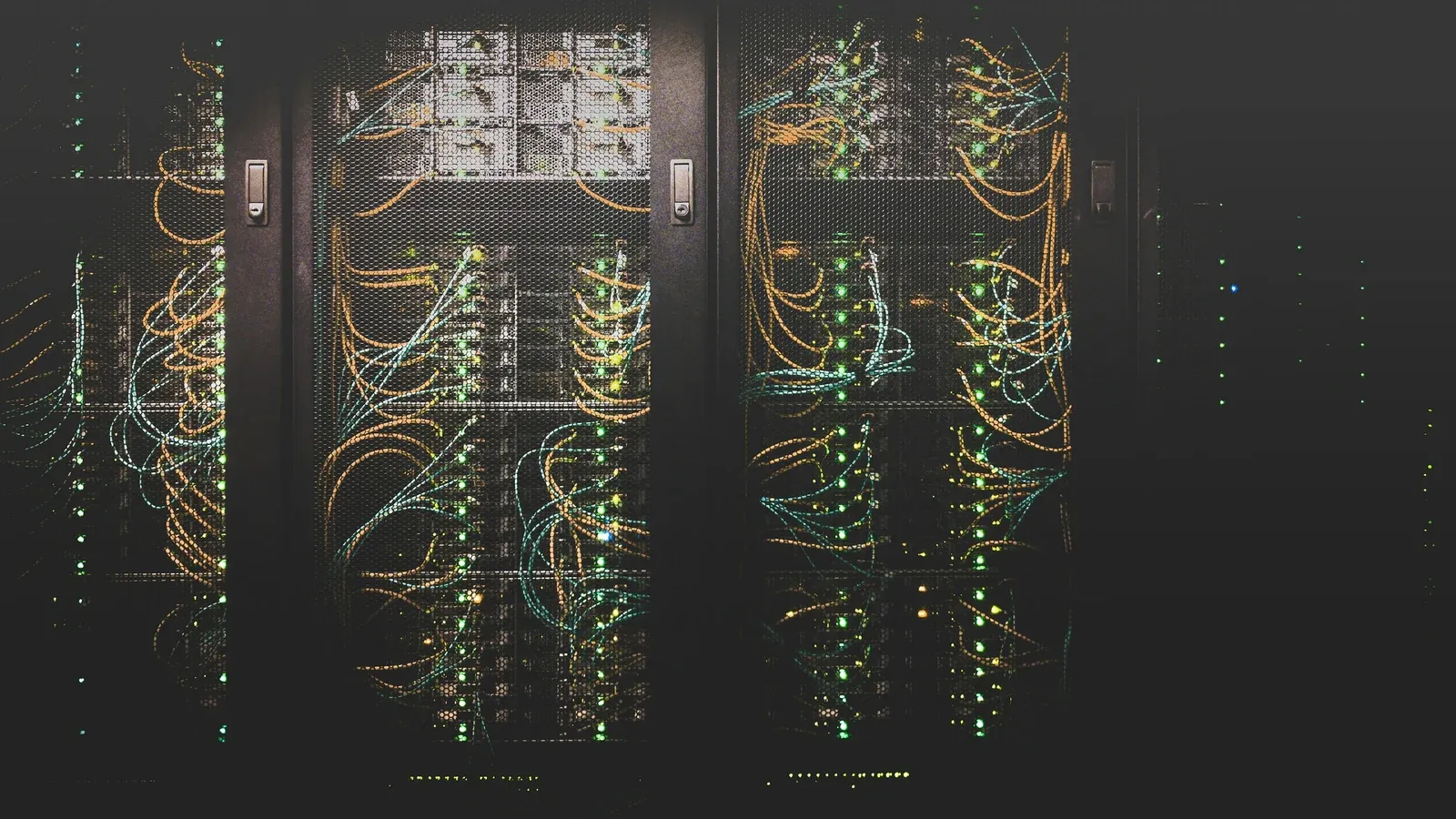
In a small company, a rack is a distribution point that provides access to the network, devices and documentation, not a storage space for equipment. This article shows you how to plan its contents, power supply, cooling, physical access and development space so that every subsequent change does not start with untangling cables.
Rack cabinet in a small company: a distribution point, not a storage room
In a small company, a rack is sometimes treated as a metal case into which you can put a router, switch and excess cables, although its actual function is much broader.
This is where the routes leading to stations, access points, cameras and other devices converge, and where the operator's link ends and the network management layer begins. If the distribution point is chaotic, each failure and expansion takes longer because you first have to figure out what's actually connected.
When designing a cabinet, it is worth thinking not about whether today's equipment will fit, but about whether the devices can be safely powered, cooled, serviced and described.
Feature and development plan first
The selection of the casing begins with the list of functions that the distribution point is to support, because a small office with several workstations has different needs than a company using monitoring, telephony, Wi-Fi and access control.
You need to take into account current devices and those that may be added as the company grows, remembering that free space is not only for new equipment. It is also needed to route cables, maintain air flow and remove the device without disconnecting half of the installation.
The reserve should result from the real plan, and not from any calculation, so before choosing, it is worth marking future network points, cameras, cable-powered devices and a possible second connection.
What should be in the rack cabinet
Content varies by environment, but a typical corporate distribution point includes the following:
| Element | Role |
|---|---|
| Operator link termination | forwarding the internet to the edge device |
| Router or gateway | edge support and traffic rules |
| Patch panel | permanent termination and description of cable trays |
| Switch | device connection and, if required, PoE power supply |
| Cable organizers | cable management without stress or covering ports |
| Power and security | safe power supply for active devices |
| Space for a recorder or server | only if required by the company's architecture |
The patch panel is not decorative because it separates the building's permanent wiring from wires that change during operation. Thanks to this, the overvoltage of the port loads the replaceable patch cable and not the track hidden in the wall, which we describe in more detail in the article on whether to choose patch panel, socket or direct cable.
When arranging the elements, you must leave access to ports, labels and fasteners so that the service does not require removing functional devices just to reach one cable.
Power supply is part of the design
The cabinet contains several devices on which the operation of the entire company may depend, therefore one random socket and splitter are not the right way to supply power.
The scope should be agreed with the person responsible for the electrical installation, taking into account protection, load, disconnection method and the possibility of using emergency power supply. If a switch powers access points, cameras or access control, turning it off cuts off all of these devices simultaneously, making backup power more important.
When selecting a switch, you need to calculate the requirements of each device separately and the total headroom, because the number of ports does not indicate whether there is enough power. We describe the method in the article about PoE power budget.
Temperature and airflow
Active devices release heat throughout their operation, and a closed cabinet placed in an unventilated room can retain it exactly where the electronics work.
When planning cooling, you need to evaluate the location, air flow, amount of heat dissipated and the ability to clean the vents, because dust gradually reduces their effectiveness. The fan will not solve the problem if it sucks hot air from a closed cavity or its inlet is blocked by cables.
The overheating symptom can be misleading as the device may restart periodically or become unstable under load, making the fault look like a random network problem.
Location and physical access
A good location shortens routes, ensures environmental conditions and allows you to service equipment without stopping other people's work, while a bad one can make each of these things difficult at once.
The cabinet should not be located in an area subject to flooding, heavy dust, extreme temperatures, or accidental impacts, and its doors must open sufficiently to allow equipment to be removed. Only authorized persons should have access, as physical overvoltage of the cable may bypass configuration protections.
When choosing a location, it is also worth checking where the operator's connection enters and what the main routes are, so that the distribution point is not located at the end of the system just because there is a free storage space there.
Order, markings and documentation
Order in the cabinet is not about having all the wires have the same colour, but about being able to trace the connection without disconnecting subsequent ports.
Each track should have a permanent marking consistent on the panel and socket sides, and the documentation should indicate the location, purpose and network segment. By using patch cords sized for the actual distance, you can avoid loops obstructing the ports, but do not strain the wires or break them at sharp angles.
The documentation must be updated after each change, because a diagram consistent with the state before the expansion is more misleading than honest information that the description is missing. The scope of documents provided after implementation is presented in the article about network acceptance protocol and as-built documentation.
When a small rack cabinet is enough
Not every company needs a large floor-standing enclosure, because a small, well-planned wall-mounted point can properly handle a simple installation without extensive facilities.
The smaller variant makes sense if all devices fit comfortably, access to ports remains free, and power and temperature conditions are controlled. However, a large cabinet will not fix a poor location or lack of documentation, so capacity alone should not be considered a measure of quality.
What to determine before ordering
- List of current devices and planned expansions.
- Number of tracks terminated at the distribution point.
- PoE powered devices and spare required.
- Basic and emergency power supply method.
- Temperature, ventilation and dust conditions.
- Route routes and entry point of the operator's line.
- Physical access policy and responsible person.
- Marking system and documentation format.
By going through this list before purchasing, it is easier to choose a housing that suits the type of network maintenance, and not only the dimensions of the devices visible in the catalogue.
How we do it
We start with an inventory of routes, devices and dependencies, thanks to which we know what must be at the distribution point and how much stock is justified. Then we plan the layout, power supply, thermal conditions, markings and documentation, coordinating the work of other industries with people with appropriate competences.
We can organise an existing cabinet or build a point from scratch, providing the diagram and full administrative rights so that the company does not depend on the contractor's memory. After implementation, the environment can be under constant care, including monitoring devices, updates, handling notifications and maintaining documentation consistent with reality.
Scope includes building and maintaining corporate networks and, if the company requires it, a later one constant IT support.
Book a free IT review And let's talk about whether the distribution point is supporting the network or just hiding its problems.