

Remote corporate network management: how it works
Remote management of a company network lets you see what is happening on the network without an on-site visit. We explain how a cloud dashboard differs from a VPN connection, what you can realistically see remotely, who should have such permissions and why it is hard to support multiple locations without it.
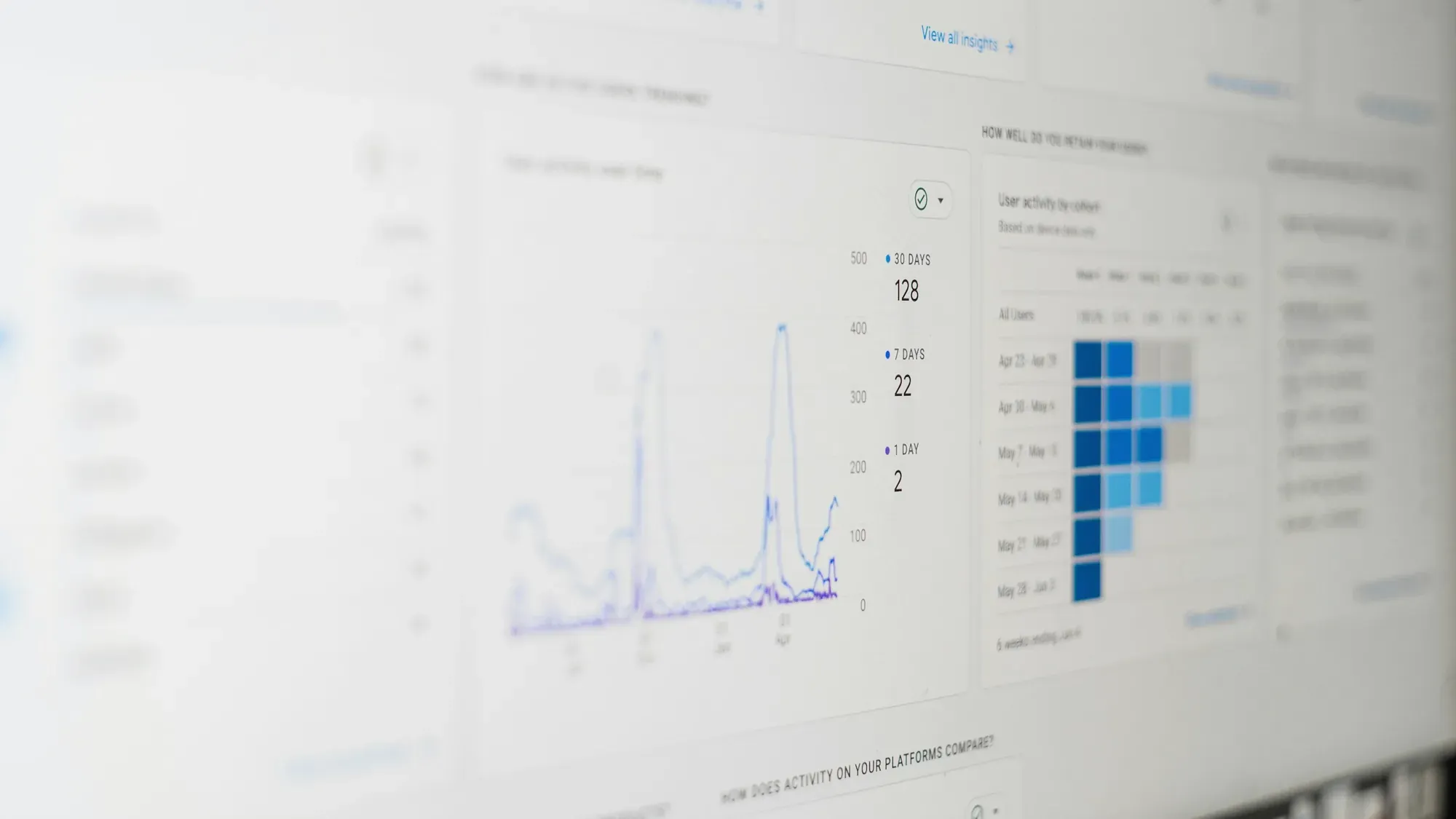
Without visibility into the network, a ticket saying "there was no Wi-Fi this morning" usually ends in guesswork, because by nine o'clock everything is working again. With a management dashboard you can see that the access point restarted several times during the night, and diagnosis can start from there.
Why manage your business network remotely
The answer "not to drive" is true, but incomplete, because remote management changes something more important than logistics.
Without it, the only source of information about the network condition is a report from the user: someone calls to say it is not working, and only then does the search begin, carried out after the fact, based on someone else's report, and often after the problem has resolved itself.
Remote access reverses this order. You can see device restarts before anyone reports them, and the same goes for a port running at a lower speed than it should, even though nobody has noticed it yet.
This is the difference between reacting and maintaining, and it determines whether constant network maintenance makes sense at all.
Two ways: cloud panel and VPN
Remote access is achieved in two ways that solve slightly different problems.
Cloud panel
Devices in the company's network connect to the manufacturer's panel and this panel becomes the place from which they are managed. Zyxel runs this in the cloud model via Nebula Control Centre, other manufacturers have their own equivalents.
The advantage is that you don't have to open anything at the edge of the network, because the devices themselves establish the connection, going outside. Access works from a browser, many locations can be seen in one place, and the event history saved outside the facility will survive a failure on site.
The limitation remains the dependence on the availability of the manufacturer's service and the connection, and the scope of functions is sometimes related to the licence plan. For some companies, a separate question is that network data passes through the manufacturer's infrastructure.
It's worth knowing one thing about the licensing model, because it is sometimes simplified in sales talks. Basic plan Base Pack is free and includes, among others, touchless implementation, facility panel, firmware management within the facility, alerts and diagnostic tools, but it has operational limitations that are easy to forget: log and statistics retention is 24 hours, and the number of organisation administrators was limited to five. Plus and Pro plans extend retention to seven days and a year, respectively, and increase limits, but are licensed per device and require all devices in your organisation to have the same licence type.
The one-day retention of logs has a specific practical consequence: an incident reported on Monday morning and occurring on Friday evening will no longer leave any trace.
VPN
The company sets up its own encrypted tunnel to its network, and the authorized person connects to it and works as if he were on site.
The advantage is full control, because nothing goes through the manufacturer's infrastructure, the solution works regardless of whether the devices have cloud support, and gives access not only to the network, but also to other company resources.
The disadvantage is that you need to configure and maintain this mechanism and have an edge device that supports it. You should also remember that if a link or the very edge of the network goes down, the VPN stops working together with them, so it will not help in diagnosing this failure.
A management dashboard exposed to the internet
There is a third path that is worth ruling out right away: exposing the device management panel directly to the Internet via port forwarding.
This solution is used because it is the simplest, and at the same time it is the worst possible, because the administration panel then becomes available to anyone who reaches this address and port, and the Internet is scanned for such panels in an automated and continuous manner.
In its directive BOD 23-02, the US agency CISA requires federal agencies to remove management interfaces from the public internet or protect them with a separate access control mechanism, and recommends the same for all organisations. If someone suggests port forwarding as a way to provide remote access, treat it as a warning sign about the rest of their offer.
What can actually be seen remotely
Remote access is not all-seeing and it is worth knowing where its limits are.
You can see the status of the devices, i.e. whether they are working, whether they have restarted and what software version they have, as well as the status of the ports: whether there is a link, what speed they are working at and whether errors are increasing on them. You can see clients in the network along with the traffic they generate, radio conditions from the perspective of access points, events and alerts depending on log retention, and power budget consumption on the switch.
However, it is not visible whether the cable is physically damaged, apart from what can be deduced from the symptoms on the port, or what is happening in the room: whether someone moved the access point or whether new shelves blocked the signal. The quality of the connection is also not visible from the perspective of the user's device standing in a specific place.
Devices that are not part of the managed platform need to be listed separately, as this is the most common source of illusion. The panel only shows what belongs to it, so an old unmanaged switch, once plugged in in a cabinet and forgotten, remains invisible to it, but may also be the cause of the problem.
Who should have access
Remote administrative access is the highest privilege on the network, so it's worth following a few rules.
Accounts should be there registered, and not common, because without it it is impossible to determine who changed what. Any account with administrative privileges should be protected multi-factor authentication. It's also worth separating permission levels, because not everyone needs full administration, and the preview without the right to change is enough in many situations.
The most important rule concerns ownership: is the company that owns the organisation in the panel, and the provider has its own account in it. On top of that there is an account review with every change, covering an employee leaving and the end of work with a contractor, and a change log, if the licence plan includes one.
The ownership principle determines what happens when a supplier is changed, because if the organisation in the panel belongs to the contractor, the company does not get the network back, it only asks for it. We develop this in the article about changing the IT company and taking over the administration.
Remote management of multiple sites
Remote management is convenient for one office, but for a third facility it is no longer convenient.
Without a common panel, each location is a separate island with its own configuration, its own passwords and its own history, so making the same change in five objects means five times the same work and five opportunities for mistakes.
Manufacturers respond to this with functions that operate above a single object. Zyxel provides a separate licence in Nebula Control Centre MSP Pack, assigned to the administrator account and including management between organisations, designed specifically for situations where one team maintains multi-client or multi-company environments, and is used in conjunction with organisational licences.
For a company with multiple sites, it's also important that the Pro plan includes configuration management across the organisation, with sync, replication, and templates, which is the difference between "let's set up a fifth site" and "let's apply a template."
When remote management can wait
Not every company needs it right away, so let's be honest when you can put it aside: when it comes to one small office without critical systems, where no one reports problems, when someone on site is able and willing to deal with it, or when the budget is limited and backups or computer protection are more urgent.
In that situation it is worth planning remote management for the next hardware replacement rather than making it a separate project, so it simply becomes one of the criteria for choosing devices.
Who watches the management dashboard
Remote management itself doesn't fix anything because it only shows the condition, and someone has to look at the condition, understand what they see, and respond before the symptom reaches users.
Companies buy manageable equipment, configure the panel, and then after three months no one looks at it, and alerts arrive in an inbox that no one reads. The network is then formally managed, although it is not actually managed.
That is why the question "who is going to watch this" is worth asking before you buy.
With us, this is exactly the mechanism thanks to which remote service throughout Poland becomes possible: we monitor the status of devices and connections, respond to alerts, carry out updates in agreed service windows and introduce configuration changes without an on-site visit, and the scope and response times are recorded in the contract. How we divide remote work from demanding presence is described in the article about remote and on-site IT support.
We are a Zyxel Networks Partner, and we work with Ubiquiti UniFi as a technology chosen to suit the project.
The scope of permanent service is described on the website IT care, and implementations and modernisations on the website corporate networks.
Sources
- Zyxel Networks, Nebula Licensing Table, https://www.zyxel.com/library/assets/products/nebula_control_center/nebula-licensing-table.pdf (accessed 02/10/2026)
- Zyxel Networks, Nebula Licence Reform Notification, https://www.zyxel.com/global/en/nebula-license-reform-notification (accessed 02/10/2026)
- CISA, CISA Issues BOD 23-02: Mitigating the Risk from Internet-Exposed Management Interfaces, 13.06.2023, https://www.cisa.gov/news-events/alerts/2023/06/13/cisa-issues-bod-23-02-mitigating-risk-internet-exposed-management-interfaces (accessed 02/10/2026)
As of 2 October 2026.