

The 3-2-1 rule: how to plan backup in a company of 5 to 50 people
Three copies, two types of media, one outside the office. The 3-2-1 rule is easy to remember and just as easy to meet only on paper. We show how to build 3-2-1 backup on a NAS server, in the cloud and on an offline copy, what the 3-2-1-1-0 variant is and what to do about data in Microsoft 365 and Google Workspace.
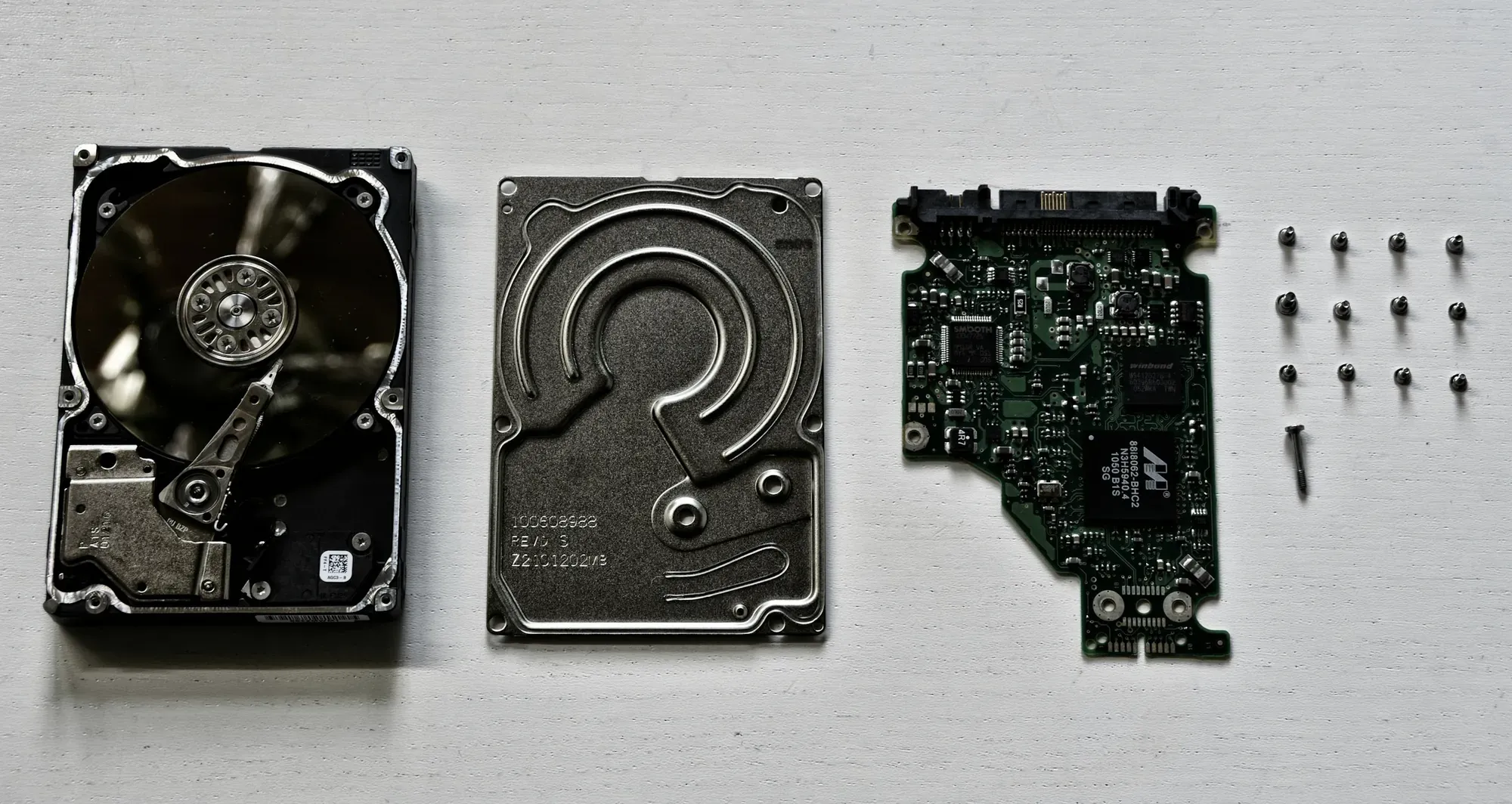
When reviewing backups in small businesses, we often come across a setup that at first glance meets the 3-2-1 rule. The data sits on a server, there is a USB drive with a copy next to it, and the company folder syncs to the cloud. Yet a single infected computer with access to all three locations is enough for all three versions of the data to be encrypted on the same afternoon.
The numbers in the rule's name are simple. What is harder is what the name does not say: the copies must be independent of each other, have a version history and be restorable. Below we describe what 3-2-1 backup looks like in practice in a business employing 5 to 50 people.
What the 3-2-1 rule means
In its ransomware guide, CERT Polska (the Polish national CERT) describes the 3-2-1 rule as follows: keep at least three copies of your data, at least two of them on different media, and at least one isolated so that it cannot be encrypted along with the rest. In the version used by hardware manufacturers, for example in Synology's materials, the "one" means a copy outside the company's premises, in the cloud or on a remote server.
In practice, these numbers read as follows:
- 3 copies means the production data and two independent backups. The original counts too.
- 2 types of media mean that a single hardware failure or a single software defect does not destroy everything at once. A server and a NAS in the same rack, on the same disks from one batch, are a weak way of meeting this two.
- 1 copy off-site or isolated protects against fire, flooding, theft and a compromise of the office network.
What not to count as a backup
Three mechanisms regularly end up on the list of backups, although they are not backups.
RAID (combining several disks into a single array) protects against the failure of a single disk. A deleted file or an encrypted folder disappears from the array immediately, on all disks at once.
Synchronisation to the cloud carries changes in both directions. That is its strength in day-to-day work and its weakness in a failure: accidentally deleted or encrypted files reach every device within minutes.
The recycle bin in a cloud service is time-limited. Microsoft states that in SharePoint and OneDrive deleted items are kept for 93 days from deletion from their original location, after which they are gone permanently. It is a handy way of undoing mistakes, but it is not an independent backup, because it is managed by the same account that may have been compromised.
The 3-2-1-1-0 variant against the ransomware threat
Backup vendors extend the classic rule with two more digits. Synology describes the variant 3-2-1-1-0 as three copies on two types of media, one of them off-site, one immutable or offline, with a restore test confirming zero errors.
The extra "one" addresses a specific problem. In its #StopRansomware guide, the US agency CISA recommends keeping encrypted offline backups and explains that many ransomware variants try to find accessible backups and then delete or encrypt them. A backup that can be reached from a compromised administrator account is just another target for the attacker.
This additional copy can be achieved in two ways:
- Offline: media physically disconnected from the network, for example a drive swapped every week and stored away from the office.
- Unchangeable (immutable): a backup that cannot be changed or deleted for a set period. Synology does this with WORM snapshots (write once, read many) on Btrfs volumes. The manufacturer notes that this requires a model that supports WORM, and once the protection period has been set, nobody, including the administrator, can delete such a snapshot before it expires.
"Zero" means the backup has passed a restore test with no errors. In the same guide, CISA recommends regularly testing the availability and integrity of backups in a disaster recovery scenario.
3-2-1 backup in a business of 5 to 50 people
A typical setup we design for a business of this size is based on a NAS server as the central backup repository. We work with this equipment as a Synology Partner, but the same architecture can be built with other tools.
| Layer | Where | Why | Notes |
|---|---|---|---|
| Production data | Server, NAS with files, cloud services | Everyday work | This is copy number one |
| A local backup | A second NAS or a separate repository in the office | Fast restore, short downtime | Immutable snapshots, a separate administrator account |
| Off-site backup | A NAS at another location or cloud storage | Fire, theft, office flooding | Encrypted, with separate login credentials |
| Offline backup | A drive swapped and stored off the network | Compromise of all online systems | Swapped on a schedule, with a log |
In a business employing a few people, one NAS with snapshots, a cloud backup and an offline drive swapped every week are usually enough. With several dozen people, an ERP server and virtual machines, you usually add a second device off-site and backups of entire virtual machines along with the files. How often to back up and how quickly you need to restore is decided by the targets described in the post RPO and RTO for management.
Backing up Microsoft 365 and Google Workspace data
Moving email and files to the cloud does not remove the need for backups. The service takes care of availability, and deleted items stay in the bin for a while. But if an employee deletes a folder and someone notices it is missing four months later, or a compromised account empties the mailbox and the bin, you need a backup held outside that same account.
On a NAS server this can be done without additional licences. Synology states that its Active Backup for Microsoft 365 package protects data from OneDrive for Business, SharePoint Online, Exchange Online and Teams, requires no licence and can back up an unlimited number of accounts within the available storage. For Google Workspace the manufacturer provides an equivalent package, Active Backup for Google Workspace.
Such a backup then becomes one of the layers of the 3-2-1 rule, and the NAS it sits on must itself have an off-site copy. We cover in more detail when to keep files on your own infrastructure and when in an office suite in our comparison of your own file cloud with Microsoft 365 and Google Workspace.
Separation of permissions determines how resilient backups are
A copy in another location will not help if the same account manages both production and backups. When designing backup for a business, we stick to a few rules:
- the backup repository is not mapped as a network drive on computers or servers, in line with CERT Polska's recommendation that a backup should not be connected as a network resource on the working network,
- the domain or file server administrator account has no permission to delete backups,
- the backup console and the cloud console are protected with two-factor authentication and separate passwords,
- the backup encryption key is stored in two controlled places and known to more than one person.
Retention, or how far back you can go
Some problems only come to light after days or weeks. A corrupted database, an overwritten price list, encryption that started in a rarely opened folder. If the backup only holds the state from the previous night, it will copy the error as well.
Sensible retention for a small business combines several levels: versions from the last few days, weekly versions from the last month and monthly versions over a longer period. The specific values depend on how quickly your data changes, document retention requirements and the capacity of the media. What matters is that someone makes this decision consciously and records it in the documentation.
Restore testing as part of the rule
A backup that nobody has restored is a hypothesis. CERT Polska points out that regular tests protect you against a situation where, despite having backups, you cannot restore the state from before an infection because of an error in the backup itself.
The test does not have to be complicated, but it should go beyond retrieving a single file. Depending on how important the system is, we restore a folder, a database or an entire virtual machine in an isolated environment. In the report we record the restore time, the date of the latest data in the backup, any errors and the corrective actions. We write more about the process itself in the post on data backup in the company.
The most common mistakes when implementing 3-2-1 backup
When we take over backups from a previous provider, the same problems come up again and again, regardless of the industry.
- A permanently connected USB drive. Formally a second medium, in practice just another disk accessible to every process on the server, including encryption malware.
- A server backed up to OneDrive or Google Drive from the same account. Compromising one account gives access to both the data and the backup.
- Alerts with no recipient. The backup job has been failing for weeks, and the notification goes to a mailbox that nobody reads.
- No configuration backup. The data is there, but the settings of the NAS server, router and switches have to be rebuilt from memory.
- An offline backup that nobody swaps any more. The drive "to be swapped every week" has been sitting in a drawer for months.
Each of these mistakes can be found in a single afternoon by reviewing the configuration and the job logs.
Checklist questions for management
- Which data and systems are covered by the backup, and which have been left out of scope?
- Can the production administrator account delete all the backups?
- Which backup is offline or immutable, and who checks it?
- What is the oldest day we can go back to?
- When was the last restore test carried out and how long did it take?
- Who gets the alert about a failed backup, and what do they do when the alert arrives on a Friday evening?
If nobody in the company knows the answer to any of these questions, that is where to start. We design backups together with servers and virtualisation as part of the service servers, self-hosting and backup.
Sources
- CERT Polska, Ransomware guide (Poradnik ransomware), https://cert.pl/uploads/docs/CERT_Polska_Poradnik_ransomware.pdf (accessed 02/10/2026)
- CISA, #StopRansomware Guide, September 2023, https://www.cisa.gov/stopransomware/ransomware-guide (accessed 02/10/2026)
- Synology, When Only Immutable Backups Survive, 7.07.2026, https://blog.synology.com/immutable-backup/ (accessed 02/10/2026)
- Synology, Active Backup for Microsoft 365, https://www.synology.com/en-global/dsm/feature/active_backup_office365 (accessed 02/10/2026)
- Microsoft Support, Restore deleted items from the site collection recycle bin, https://support.microsoft.com/en-us/office/restore-deleted-items-from-the-site-collection-recycle-bin-5fa924ee-16d7-487b-9a0a-021b9062d14b (accessed 02/10/2026)
As of 2 October 2026.