

Camera image quality at night in the company: what determines
Camera image quality at night can be completely different from during the day, because high resolution cannot replace light or correct installation. Night-time footage depends on lighting, infrared reflections, movement, dirt and the geometry of the view, and acceptance has to be carried out after dark.
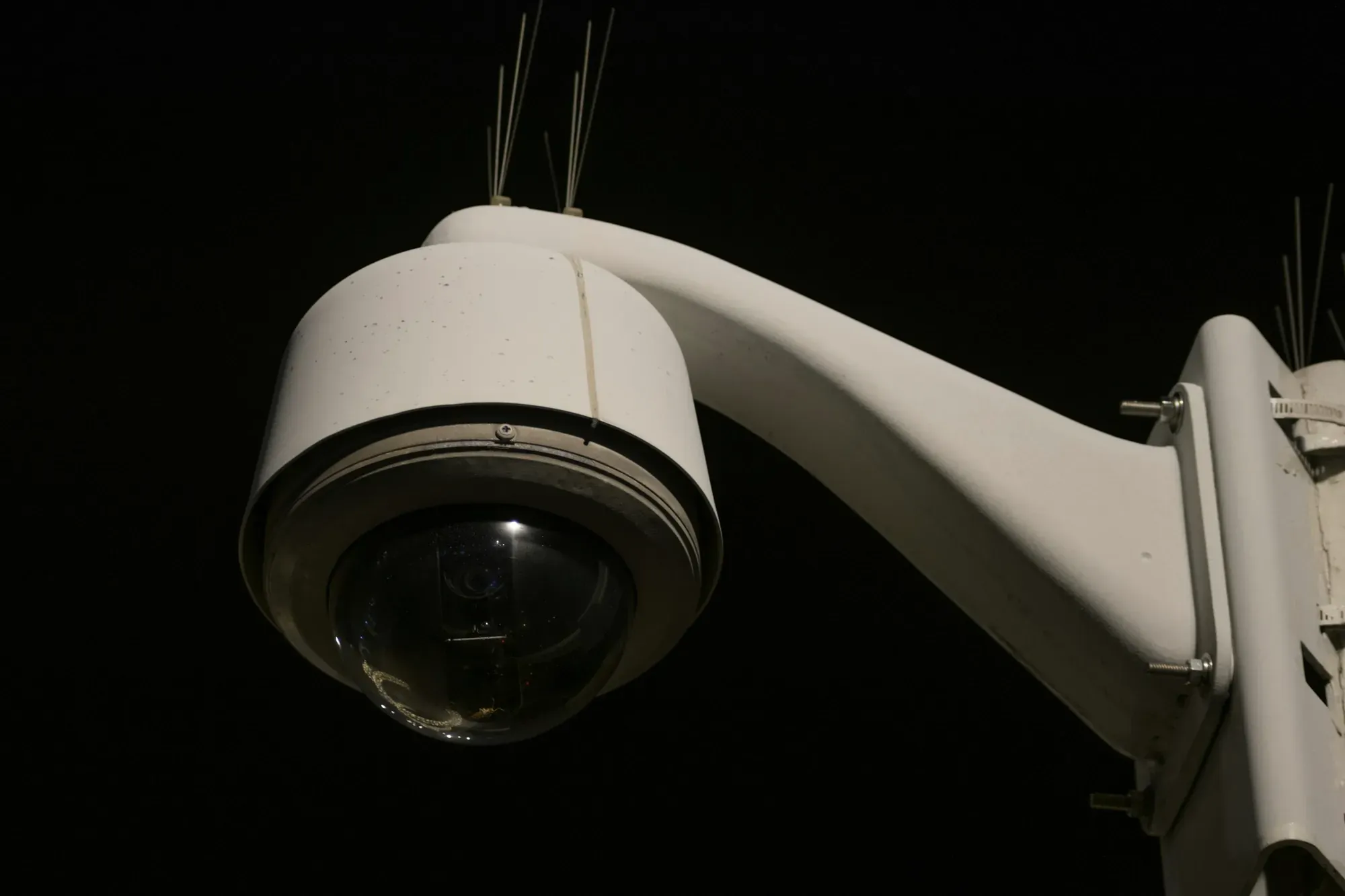
A typical situation after an incident: the night recording shows a bright haze in the corner of the frame and a blurred figure, even though at the midday acceptance the same camera produced a sharp image. The problem rarely lies in the camera itself. It is usually about light, reflections and the way it is mounted.
Why daytime acceptance of CCTV is not enough
Acceptance of a CCTV system carried out only during the day confirms only the daytime scenario. After dark, the light sources, exposure, contrast and the way motion is recorded all change.
A camera that shows fine detail in bright conditions can produce a noisy or blurred image at night with the same settings and resolution. The sensor receives less light, and the device tries to compensate for this at the expense of quality.
Night therefore has to be treated as a separate operating scenario, with its own tests.
Camera resolution and the amount of light
Higher resolution describes the number of points that make up the image. It does not increase the amount of light reaching the sensor, so on its own it will not improve night footage. In its paper on lighting for surveillance, Axis notes that even the most sensitive cameras produce a less noisy image when there is more light.
When light is lacking, the camera raises its sensitivity, lengthens the exposure or processes the image more heavily. The result is noise, loss of detail and blurring of moving objects. A stationary car then looks fine, while a person walking past becomes an indistinct smear.
When comparing devices, assess the whole scenario: light, movement, viewing distance, framing and mounting. The number of pixels is only one of these parameters.
Range of the camera's infrared illuminator
A built-in infrared illuminator gives the camera its own source of light that is invisible to the eye. How effective it is depends on the specific device and the conditions of the scene.
If the area being observed is beyond the range of the illumination, the camera will not recover detail through zoom or a change of resolution alone. The manufacturer's claim should be checked in the current datasheet of the chosen model. The specification of one device does not carry over to the whole product family.
External illumination can extend the usable area, but it has to be planned together with the framing so that it does not create a bright spot that obscures the rest of the scene.
Infrared reflections and glare in the night image
Infrared reflected from a nearby wall, eave, pole, shield or part of the housing returns to the lens and creates a bright glare that can obscure an important part of the image. The camera manufacturer Axis lists the same causes: walls, eaves and ceilings near the camera, a dirty dome and lamps pointing towards it.
The source of the problem is then the mounting geometry, so replacing the device with a more expensive one may reproduce the same effect. Corners, recesses and spots right next to a surface that looks neutral during the day but strongly reflects the illuminator's light at night are particularly risky.
When checking for glare, look at the edges of the frame, how the shield is fitted and the condition of the parts separating the illuminator from the lens. A small shift can change the whole image.
Lamps in the frame and motion-activated lighting
A strong light source visible in the frame forces the camera to adjust its exposure to the brightest part, and the rest of the scene goes dark.
A sudden jump in lighting is even more difficult. A motion-activated lamp switches on at exactly the moment of the event, and the camera needs time to adjust its settings. The most important moment may then be recorded worse than the quiet scene a moment earlier.
When planning lighting, aim for even light across the observed area and avoid a lamp facing the lens. The final result still has to be checked on site.
Dirt, moisture and insects on the camera lens
The night image is more sensitive to dirt than the daytime one. Dust, droplets, cobwebs and insects close to the lens reflect the illuminator's light straight back into the camera.
During the day the cover may look clean, but after dark a single cobweb creates bright streaks or a series of false events. Moisture inside the housing is a separate problem that cleaning from the outside will not solve.
Maintenance should include cleaning and checking the cover, the seals and the camera's surroundings. That way, gradual deterioration of the image will be noticed before a real incident.
Camera mounting and framing at night
Night does not change the basic principle: a camera has to perform a specific task. A wide frame will not provide detail in a distant area just because the image is illuminated.
A camera pointed too high illuminates empty space, and a camera looking at an entrance from a sharp angle will show movement without a usable view of the person. We cover the design of framing, height and obstructions in our post on camera placement and blind spots.
If after dark the problem affects only one part of the frame, first establish whether the cause is light, reflection, movement or geometry. Replacing the equipment is the last step.
What replacing a camera with a newer one will not fix
- infrared reflections from a nearby surface,
- the lamp in front of the lens,
- dirty cover, cobwebs or moisture,
- a frame in which an important object occupies too small a part of the image,
- obstacle covering the observed zone,
- lack of light in a place beyond the illumination range.
With each of these problems, a new camera may give a similar result, because the source of the fault remains in the scene or in the way it is mounted.
How to sign off CCTV after dark
- Look at each camera once it has fully switched to night mode.
- Walk the typical route of a person or vehicle and assess the image in motion.
- Switch on all motion-activated lamps and check the moment the exposure changes.
- Look for glare near walls, eaves, poles and the edges of the housing.
- Assess the important detail at the location defined by the camera's task.
- Check whether insects, vegetation or reflections are generating unnecessary events.
- Record the result and the required corrections in the acceptance report.
When testing the system after dark, reproduce the real activity on site. A static preview of an empty scene will not show motion blur or the reaction to a sudden change in light.
Periodic checks of the night image
Conditions change with lighting, vegetation, dirt and the way the site is used, so a correct acceptance does not end the work.
Reviewing changes in the environment and when you notice more false events allows you to correct the frame, clean the device or improve the lighting before recording is needed.
If the system records footage, also check that recording works and that recordings are actually available. Where cameras cover workplace premises, Article 22² of the Labour Code limits the retention of recordings to 3 months from the date of recording (longer only where the recording is evidence in proceedings). More in our post on retention of monitoring recordings in the company.
How we design and sign off night-time CCTV
During the design we separate the daytime and night-time scenarios, taking into account light sources, movement, the surroundings and the task of each camera. After installation we check the image after dark and document the corrections.
The CCTV system can then remain under ongoing care: device condition, recording performance, updates, access reviews and checking the framing after changes on site. We provide this as part of our service corporate networks, combining the image layer with power, network and documentation.
Sources
- Axis Communications, IR reflections in dome cameras, May 2021, https://whitepapers.axis.com/en-US/ir-reflections-in-dome-cameras (accessed 02/10/2026)
- Axis Communications, Lighting for network video, November 2023, https://whitepapers.axis.com/en-us/lighting-for-network-video (accessed 02/10/2026)
- Act of 26 June 1974, the Labour Code, Article 22², consolidated text Journal of Laws (Dz.U.) 2025 item 277 as amended, https://isap.sejm.gov.pl/isap.nsf/DocDetails.xsp?id=WDU20250000277 (accessed 02/10/2026)
As of 2 October 2026.