

Ongoing IT support · under subscription
Ubiquiti UniFi for businesses: deployment, configuration and network takeover
We design and configure UniFi networks in offices, warehouses and businesses with several sites. We take over existing installations together with the owner account and documentation. We work with this technology without Ubiquiti partner status.
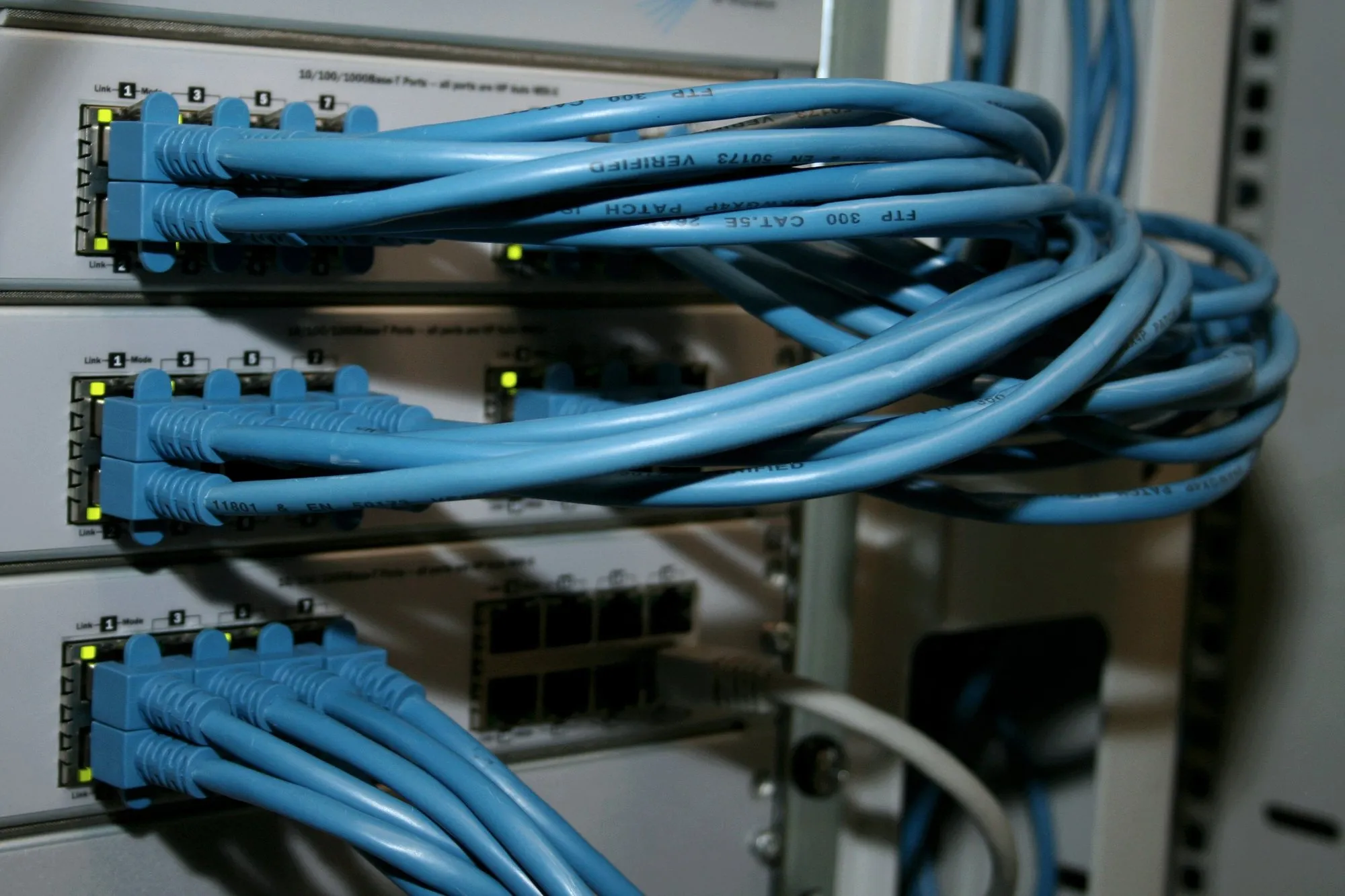
When a UniFi network needs tidying up
UniFi hardware often runs for years without a review. The problem starts when something needs changing and nobody knows how it was configured.
If you recognise two or three of these signs, a free IT review will show you where to start.
- The console is registered to the private account of the installer or a former employee.
- The controller runs on a laptop someone once left in a cabinet.
- Guests, cameras, printers and computers all share one network.
- Device firmware has not been updated for a long time.
- Wi-Fi drops when moving between rooms.
- There is no configuration backup and no network diagram.
UniFi deployment and configuration from audit to acceptance.
We tailor the scope to the building and to what already works. We don't replace working hardware just so that everything is one brand.
- 1
Audit of the existing installation
We check who owns the console, software versions, configuration backups, device condition and Wi-Fi settings. You receive the result in writing, with a list of changes ranked by urgency.
- 2
Network and Wi-Fi design
We match the gateway and switches to the number of devices, the internet connection and PoE power needs, and we place access points based on the building plan or an on-site survey.
- 3
Gateway and UniFi Network configuration
Addressing, DHCP server, firewall rules and updates from the official channel. We don't install test releases (Early Access) on production networks.
- 4
VLAN zones and guest network
Separate networks for staff, guests, printers, IoT devices, cameras and administration. We verify isolation by testing from a device in each zone.
- 5
VPN for staff and branches
Remote access on named accounts with a second login factor. We connect sites with a tunnel between gateways; the vendor states that the Site Magic feature does this without an additional licence.
- 6
Upgrades in stages
We split hardware replacement into stages and plan it in agreed maintenance windows. We replace the gateway, whose restart cuts internet access for the whole business, at a time agreed with you.
- 7
Acceptance measurements and documentation
After installation we check Wi-Fi at the workplaces. We hand over the diagram, addressing table, description of zones and ports, and access credentials with a handover record.
- 8
Optional ongoing support
Device monitoring, updates in maintenance windows, configuration backups before changes and changes on request. From the BUSINESS IT package, a basic network with guest separation and VPN; from PROFESSIONAL IT, full management of the controller and zones. There is no obligation to take out a subscription after deployment.
What you get in writing.
Documents that allow another engineer to look after the network too.
Network design
Device selection, access point placement, zones and addressing, before you buy the hardware.
As-built documentation
Diagram, addressing table, description of zones, ports and firewall rules.
Acceptance report
Results of the Wi-Fi check at the workplaces and of the zone isolation tests.
Access handover record
The console owner account and admin passwords handed over to your company.
Who is responsible for what.
We record this split in the order before work starts. Ongoing support after deployment is a separate decision.
On the NexaIT side
- audit, design and network configuration within the agreed scope
- access point installation and cabling, if included in the order
- zone isolation tests and a Wi-Fi check after installation
- as-built documentation and the access handover record
- under support: monitoring, updates and configuration backups
On your side
- buying the hardware yourselves, or agreeing that we buy it
- the console owner account on a company address, not a private one
- the contract with the internet service provider
- decisions on recording and storing footage, if the network serves cameras
- access to technical rooms during the work
What this service doesn't include.
Clear scope boundaries are part of a good contract. We talk about them before the contract is signed.
If the project requires a paid vendor service, we show its cost separately in the quote, together with the billing period.
Show the list of exclusions
- hardware, which we invoice separately with a trade margin, or which you buy yourselves
- paid vendor services, for example UniFi Talk telephony or official UniFi cloud hosting
- internet service provider services
- replacing working hardware of another brand just to unify the panel
When we choose UniFi
It makes sense if
- The business has one or a few sites and from a handful to several dozen workstations.
- You want a predictable cost with no licence fees for management.
- The network, Wi-Fi and video surveillance are to be managed from one place.
- You already have a UniFi network and want to tidy it up or change contractor.
We don't recommend it if
- You need firewall security features that UniFi gateways do not provide. Then we consider Zyxel Nebula.
- Your group of companies mandates another vendor's network standard.
- The project requires advanced routing beyond the capabilities of UniFi gateways.
- You have a working, supported network of another brand. Then we maintain it rather than replace it.
How much a UniFi deployment costs
We don't quote a single "from" price, because the cost depends mainly on the hardware and the building. Configuration and deployment are billed at PLN 280 net per hour on working days from 8:00 to 17:00, and outside those hours with a surcharge according to the price list. A cabling point costs from PLN 242 net, and a network design with a survey usually takes 1-3 days of work, quoted individually. The cost depends on:
- the number and type of devices: gateway, switches, access points, cameras
- existing cabling and any installation work needed
- spare ports and PoE power headroom
- redundancy and backup power requirements
- the number of sites to connect
- measurements, tests and the scope of documentation
- whether you choose ongoing support after deployment
Questions before you decide.
Are you an Ubiquiti partner?
No. We deploy and maintain UniFi networks without partner status. You can buy the hardware yourselves or through us, as a separate line on the invoice.
Does UniFi require licence fees?
According to the vendor, managing the network on a UniFi gateway and through the unifi.ui.com portal requires no licence or subscription. Additional services are paid, for example UniFi Talk telephony and official UniFi cloud hosting.
Will you take over a UniFi network from another installer?
Yes. We start by transferring the console owner account to your company address and backing up the configuration, then we review software versions and complete the documentation.
Zyxel or Ubiquiti UniFi?
Requirements decide, not the brand: the firewall features you need, the number of sites, the length of event history in the panel and the cost of the whole project including any licences. In Zyxel Nebula basic management is free, while firewall security services and longer history require licences. In UniFi, according to the vendor, management requires no licence. We are a Zyxel Networks Partner, and we deploy UniFi without partner status. We don't replace working infrastructure just because of the brand.
Can cameras run on the same console as the network?
With a few cameras, yes. With more cameras or requirements for continuous recording, we move recording to a separate recorder, so that the failure of one device does not take down the network and surveillance at the same time.
From our projects, without client names.
All case studies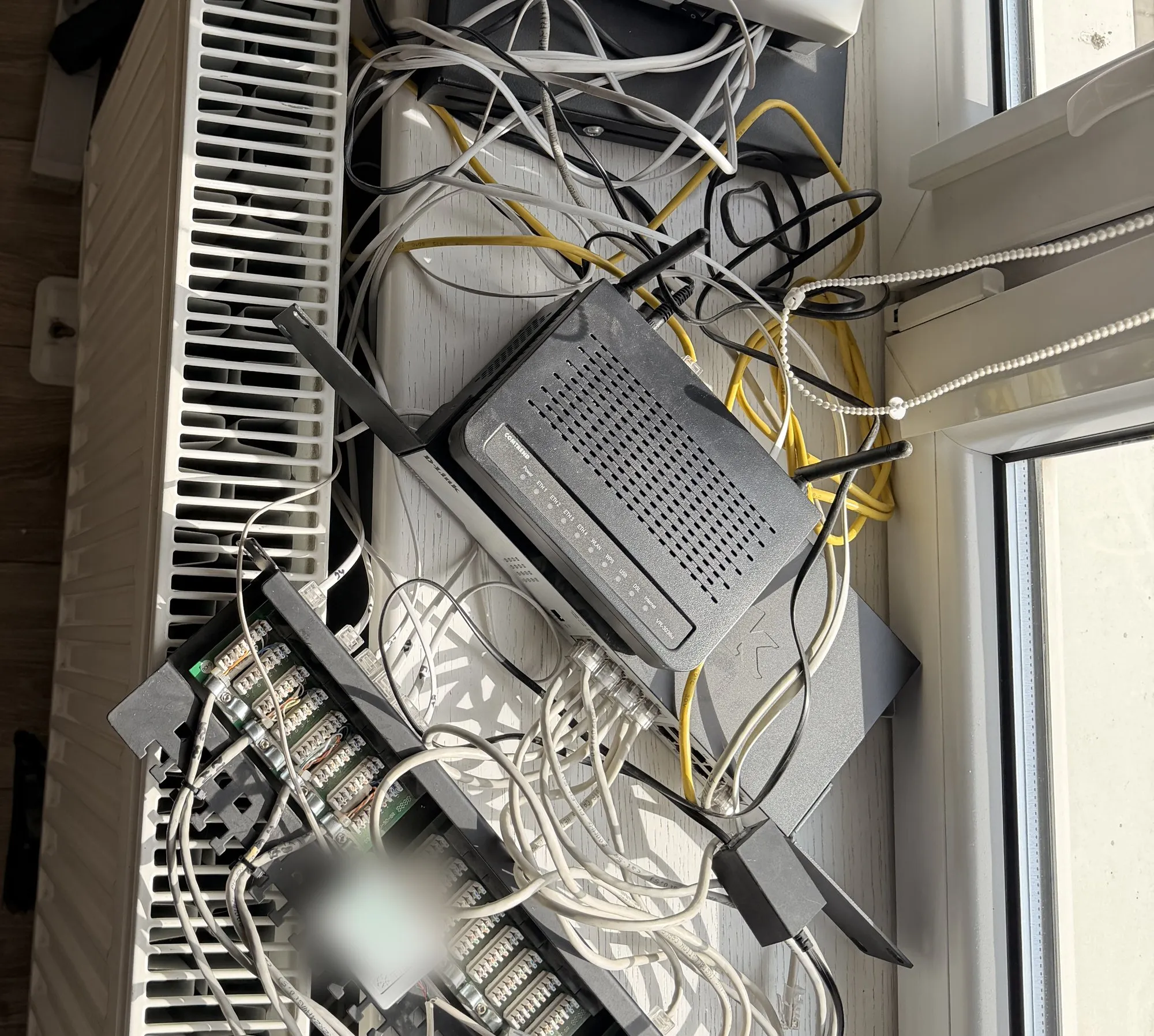
Related
Free · 60 minutes online · no obligation
An IT review, an hour with an engineer instead of a sales presentation.
- You talk to an engineerOnline, by video call. Not with a salesperson. We don't install or change anything.
- We check 8 areasBackups, access, network, email, server, licences, protection and KSeF readiness.
- You get a scorecardThree priorities on one page, emailed after the meeting. Yours to use however you like.
office@nexait.plMessage us on WhatsApp
We don't use a contact form, but we answer the phone and reply to emails and WhatsApp messages during working hours.