

NNexa Hub 1.2 · a ticketing system by NexaIT
Deploying Nexa Hub, from server to first ticket.
Nexa Hub runs on a single server with Docker. NexaIT handles installation, department configuration and the go-live with your teams, and your administrator receives a guide for day-to-day maintenance.
Requirements server.
All you need is Linux with Docker 24 or later and Docker Compose v2, 2 vCPUs, 2 GB RAM and 20 GB of disk, plus space for attachments and backups. The server needs a DNS name, for example hub.firma.pl. At idle the whole system uses about 300 MB of memory.
It can be a virtual machine on your own server, for example in Proxmox, or a server rented in the cloud. Only ports 80 and 443 are exposed. If you do not have a server, we will choose one with you, as in our other infrastructure projects, and allow space for off-server backups.
- intranet: an internal certificate, installed on workstations through group policy
- public domain: a Let’s Encrypt certificate renewed automatically
- attachments on the server disk or in S3-compatible storage
Six containers, each with a memory limit.
The proxy handles HTTPS and serves the browser app. The API handles sign-in, tickets, configuration and analytics. The worker sends e-mails and webhooks and watches SLA deadlines and the weekly report. PostgreSQL 17 is the database, Valkey handles queues, sign-in limits and live notifications, and the backup service saves the database and attachments every day.
Database migrations run before the API starts, so schema updates need no manual steps. Every service has a health check, and the health endpoint reports the state of the database, queues and the version number.
- API and worker run from a single image
- PostgreSQL 17 and Valkey 8 with no ports exposed externally
- a backup every day at 2:00, the time can be changed
- images run without administrator privileges
Performance tested on 200k tickets.
Before release 1.0 the system was tested on a database with 200k tickets and 600k history entries, equivalent to several years of work in a large warehouse with four departments. Each operation was run by 8 concurrent clients, and the result was compared with a time budget for the 95th percentile. The test ran on a laptop with an Intel Core i5 processor and 16 GB RAM, with a single API process. The analytics dashboards from version 1.1 were measured on the same database: a full department dashboard for 12 months, covering 50k department tickets, is ready in about 1.35 s.
| Operation | p50 | p95 | p95 budget |
|---|---|---|---|
| Desk: overview with queue counters | 50 ms | 96 ms | 300 ms |
| Desk: “In progress” queue (11k tickets) | 95 ms | 134 ms | 150 ms |
| Desk: “All” queue (50k tickets) | 96 ms | 132 ms | 150 ms |
| Full-text search | 143 ms | 211 ms | 250 ms |
| Ticket details | 36 ms | 68 ms | 100 ms |
Backups with a restore test.
The backup service saves the database and attachments every day at a set time, keeps 7 daily and 4 weekly copies and records the time of the last successful backup, which is worth monitoring. The backup directory should be copied off the server regularly, for example to a NAS or the cloud, together with the configuration file containing the encryption key.
Restoring the database and attachments takes one command. Before release we ran a test on the production stack: backup, deletion of all data, fresh start, restore. Data, attachments and the changed administrator password were all in place, and the audit log still accepted only new entries.
Updates when you want them.
A new version is installed after a backup with a few commands, and database migrations run automatically. Every release comes with release notes, and moving from version 1.0.1 to 1.2 required no database migration, only new images. With NexaIT support, we carry out updates, backups and health checks on an agreed schedule.
Configuration, secrets and diagnostics.
During installation a generator creates a configuration file with random database passwords, a session key and a secret encryption key. A copy of this file must be kept somewhere safe, because without the encryption key the stored mail passwords, SSO keys and webhook URLs cannot be read. Every secret can also be supplied as a file, for example through Docker secrets.
The database has two roles: the owner runs migrations, while the application can only read and write data. Logs are in JSON format, without passwords, cookies or URL parameters. Every error has a request identifier that the user sees in the message, so a problem reported to the administrator points straight to the right log entry.
What a deployment with NexaIT looks like.
We start with an online demo on demo data. Then we agree the departments, sites and sign-in method and prepare a quote: licence, deployment and optional support. We install the system on your server and set up backups, the certificate and mail.
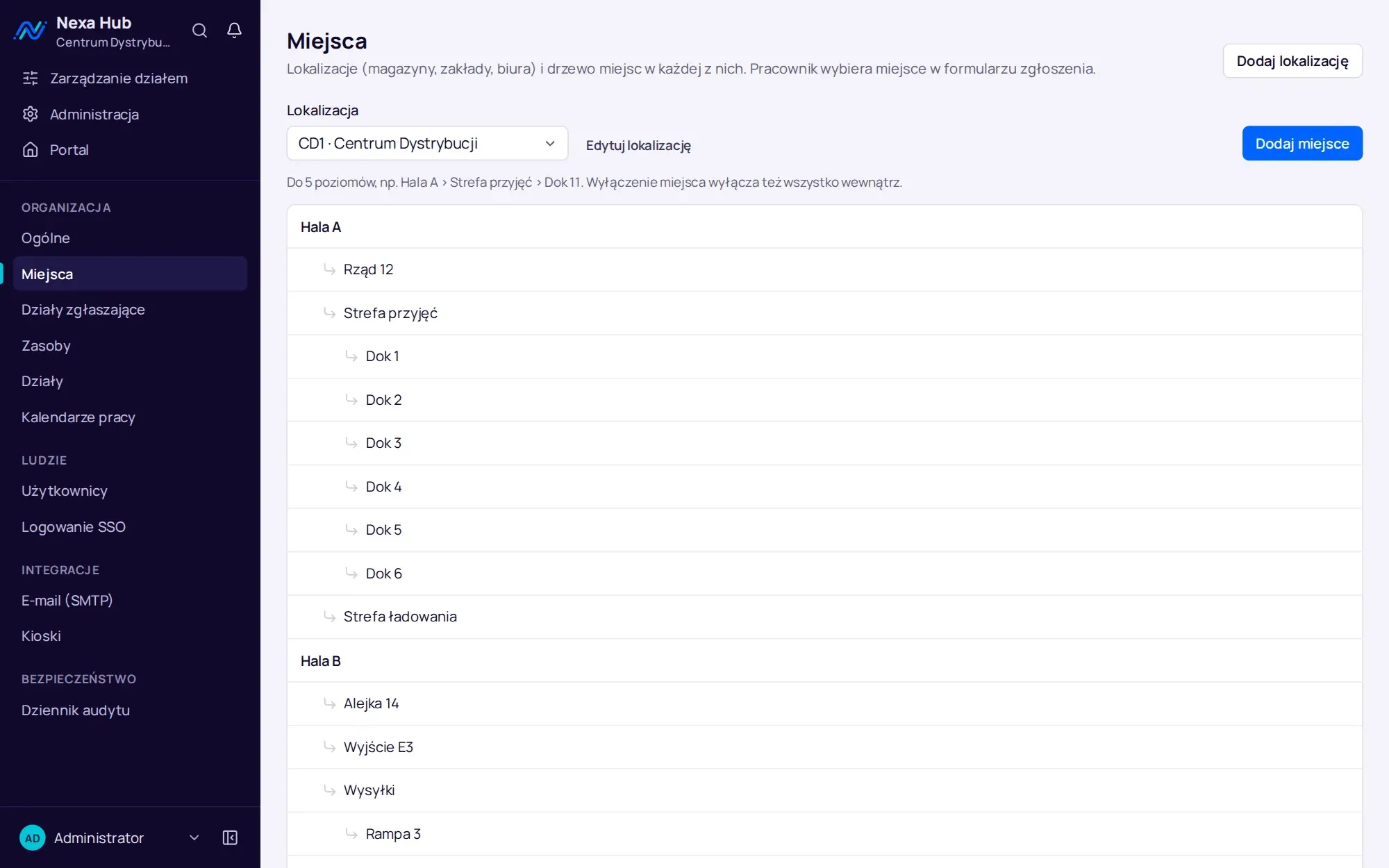
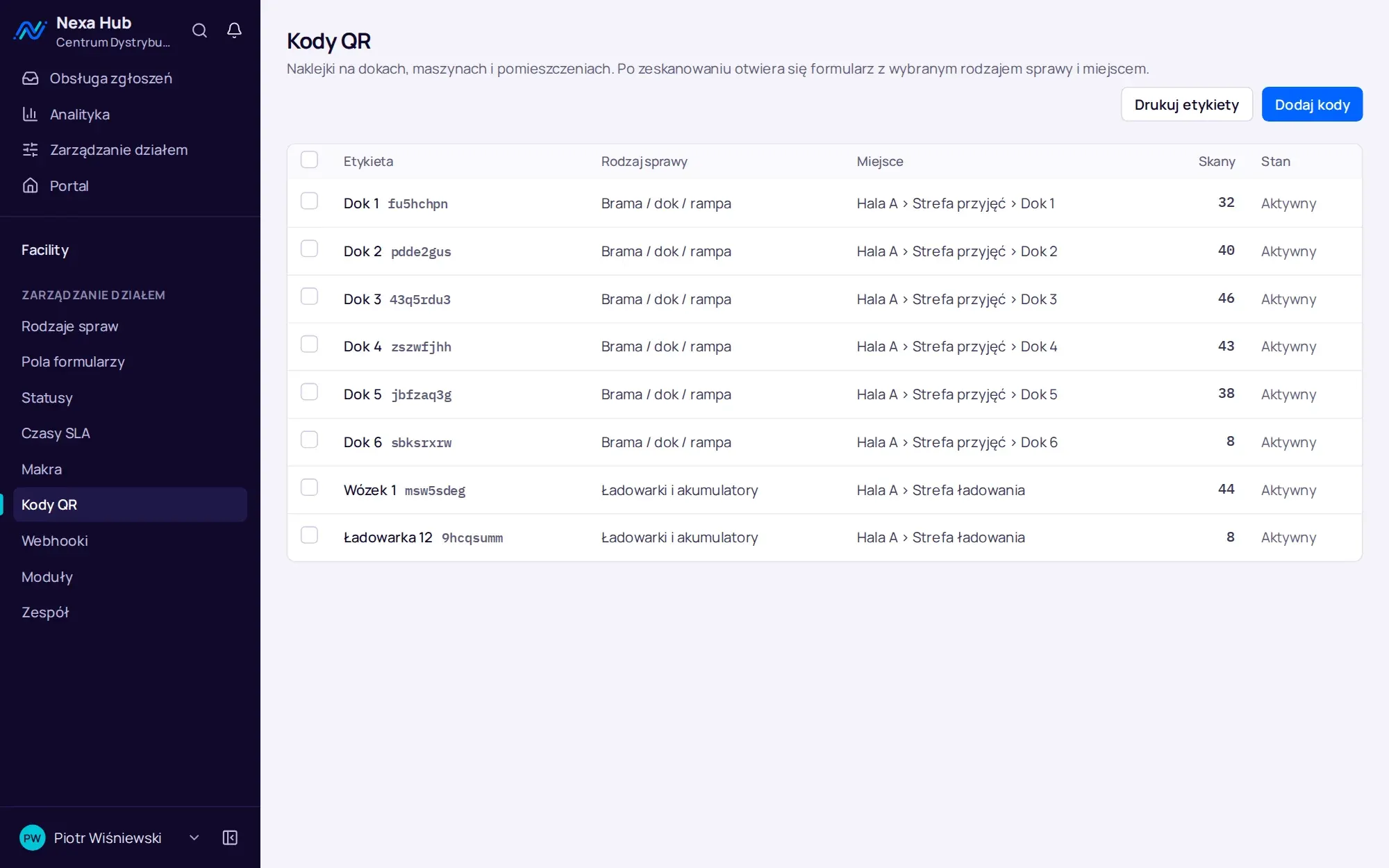
We configure departments together with their managers: request types, fields, statuses, SLA times, shift calendars, QR codes and the kiosk. We import assets from your file. Finally we give agents and department administrators short training, and employees need nothing more than a sheet with a QR code.
- demo and quote
- installation and server security
- department configuration and asset import
- team training and go-live
- optional: ongoing NexaIT support
Questions about Nexa Hub: deployment.
How long does a Nexa Hub deployment take?
It depends on the number of departments and sites and on how much configuration you prepare beforehand. We give you the schedule together with the quote, after the demo.
Can we maintain the system ourselves?
Yes. Your administrator receives a guide covering backups and restore, updates, diagnostics and configuration variables. You can also hand maintenance over to NexaIT.
Does Nexa Hub work without internet access?
Yes, in an internal network with an internal certificate. Internet access is needed only for the features that use it: webhooks to Teams, Google Chat and Slack, sign-in through a cloud identity provider and the Let’s Encrypt certificate.
Can attachments be stored outside the application server?
Yes. By default attachments are kept on the server disk, but they can be stored in any S3-compatible storage, including one running in your own network.
Does Nexa Hub run on Windows Server?
Nexa Hub runs in containers on Linux with Docker. On a Windows server we run it in a Linux virtual machine.
Do we get demo data for training?
Yes. The first-run wizard lets you load four sample departments with their configuration. In production it is better to start with an empty system or with department templates.
Online demo · no obligation
See Nexa Hub live, using your departments as the example.
- Online demoWe show the portal, desk, analytics and department configuration on demo data, and ask about your departments, shifts and sites.
- QuoteLicence, deployment and optional support priced for your company. One offer with a defined scope, after a single conversation.
- InstallationA server in your network or in your cloud, an HTTPS certificate, backups, sign-in with Microsoft 365 or Google.
- Departments and go-liveWe set up request types, fields, SLAs, QR codes and the kiosk together with your department managers, followed by short team training.