

NNexa Hub 1.2 · a ticketing system by NexaIT
Security of a ticketing system on your own server.
Tickets contain names, photos from the shop floor, accident reports and complaints. Nexa Hub keeps them on a server you control, and before release 1.0 it was reviewed against OWASP ASVS 4.0.3 at level 2.
Data stays in your infrastructure.
We install Nexa Hub in your network or on a server you rent in the cloud. The database, attachments and backups live on that server. Only ports 80 and 443 are exposed; the database and queues have no open ports.
For GDPR this is straightforward: you know where the data is, who can access it and how long it is kept in backups. If NexaIT has access to the server as part of a support contract, the scope of that access is set out in the contract. Data controller obligations remain with you.
- HTTPS with an automatic certificate or an internal certificate for the intranet
- daily backup of the database and attachments, 7 daily and 4 weekly
- attachments stored locally or in any S3-compatible storage
Sign-in like the rest of your company.
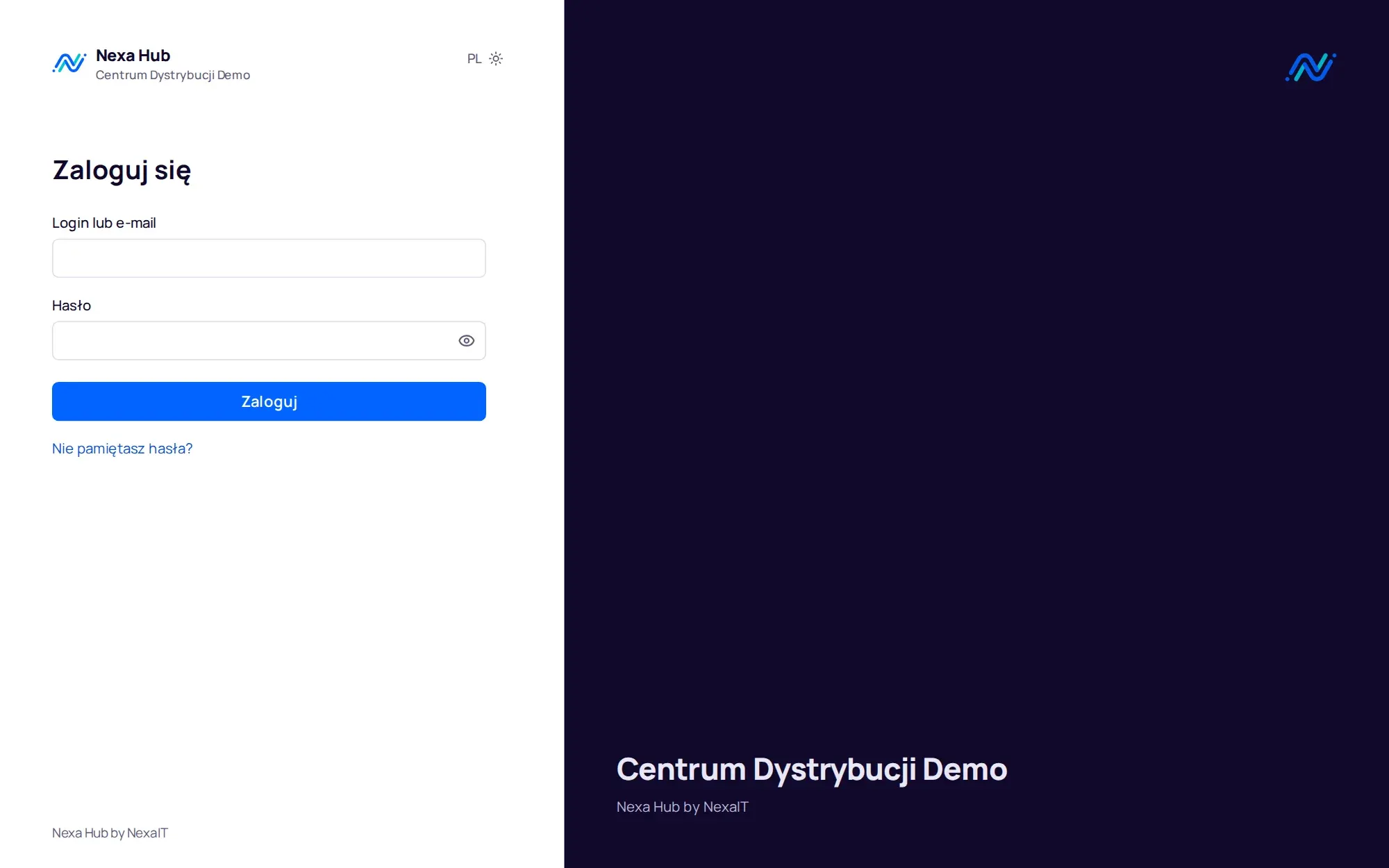
Nexa Hub supports sign-in with Microsoft Entra ID, Google Workspace and other OpenID Connect providers. With Entra ID only accounts from your tenant can sign in, and two-factor authentication is then provided by your identity provider.
Local accounts use passwords of at least 12 characters, checked against a list of common passwords, plus two-factor authentication with app codes and backup codes. Passwords and PINs are stored as Argon2id and sessions only as SHA-256 hashes. Everyone can see their sessions and sign out other devices.
Department data is visible only to that department.
Permissions are assigned per department: a Facility agent will not see security department tickets, not even through search, export or analytics. The system administrator is not automatically an agent in any department. Roles are requester, agent, department administrator, department viewer, system administrator, management and auditor.
Every API route has an explicit access rule, and the application will not start with a route that lacks one. A test matrix checks every route for every role. Someone else's ticket and a non-existent ticket return the same response, so ticket numbers cannot be guessed.
Audit log append-only.
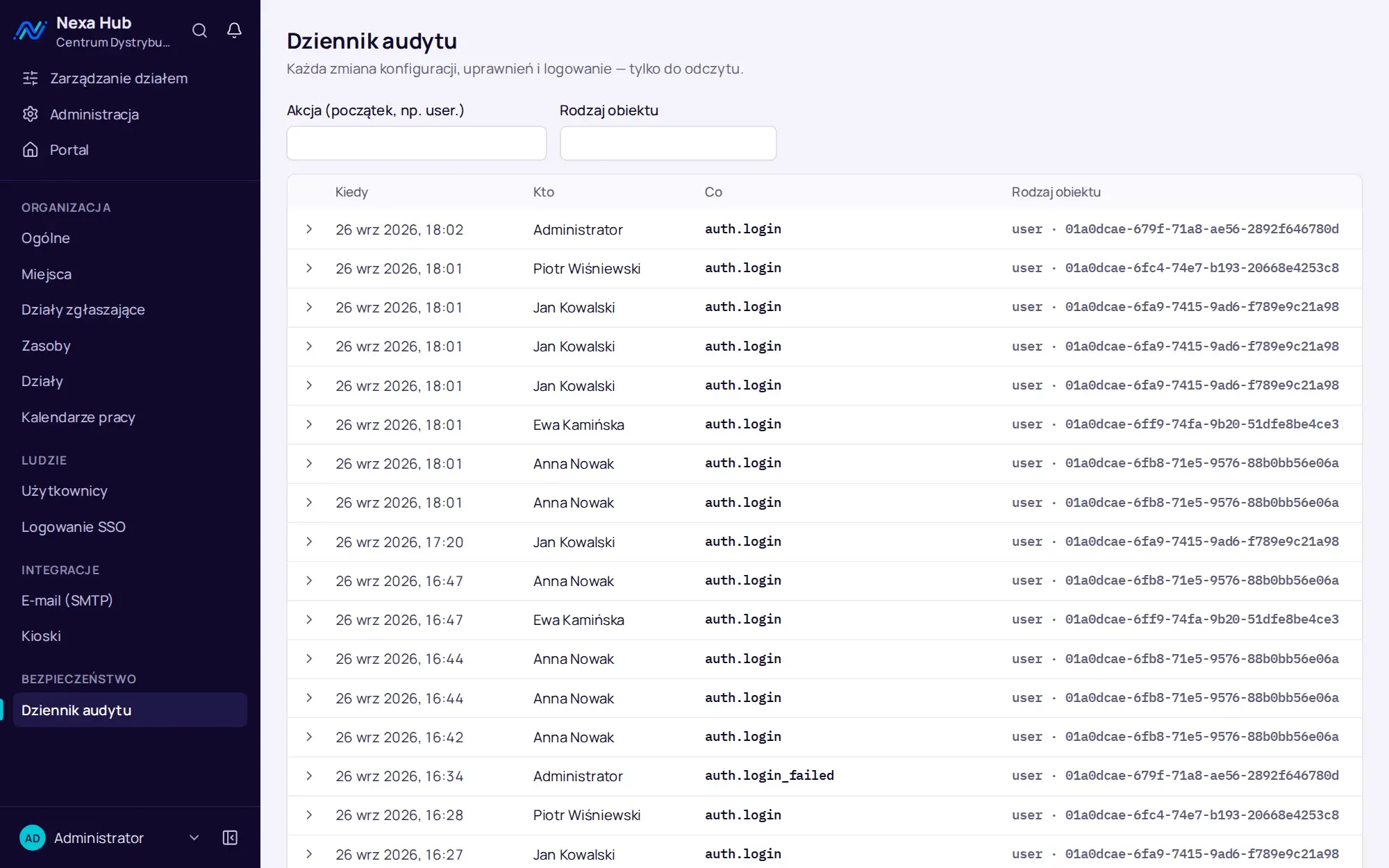
Sign-ins, lockouts, role and configuration changes and invitations are written to the audit log in the same transaction as the change. The database role the application uses can only append and read, so entries cannot be altered or deleted from the application. Auditors have read-only access to the log.
Application logs contain no passwords, cookies or URL parameters. Integration secrets, meaning the SMTP password, SSO keys and webhook URLs, are encrypted with AES-256-GCM and never returned by the API.
What we checked before release 1.0.
The review covered the OWASP ASVS 4.0.3 level 2 requirements that apply to a web application with an API. The result is documented with evidence for each requirement, and gaps found were fixed before release. We state consciously accepted risks openly, for example that an e-mail notification of a password change is planned, while today the event is recorded in the audit log.
- dependency audit: 0 known vulnerabilities
- container image scan: 0 HIGH and CRITICAL vulnerabilities with an available fix
- secret scan of the entire repository history: 0 findings
- CSP policy in release 1.2: 39 screens for 4 roles with no violations
- images without administrator privileges and without unnecessary tools
- SSRF protection for webhooks, limits on sign-in attempts and writes
Content as text, exports without formulas.
Ticket content is stored and displayed as plain text only, so code cannot be injected into the page. Attachment types are detected from file content, not the file name, and a downloaded file will not run in the browser.
CSV and XLSX exports neutralise cells that a spreadsheet could treat as a formula. This protects against an attack in which someone types a formula into a ticket title and a manager opens it in Excel.
Sessions and limits against abuse.
A session expires after 12 hours of inactivity and after 7 days at most, and a kiosk session after 5 minutes. Session cookies are accessible only to the server and only over HTTPS, and every request that changes data has additional protection against request forgery. Locking an account ends all of its sessions immediately.
Sign-in has per-address attempt limits and a 15-minute account lockout after a series of wrong passwords. By default one person can create 30 tickets per minute, which stops a script or a compromised account before it floods a department. Files are limited to 20 MB and requests have a size limit.
- signing out other devices from the profile
- one-time password reset links valid for 60 minutes
- the same response for existing and non-existent accounts
Questions about Nexa Hub: security.
Does Nexa Hub store data outside our company?
No. The system, database and attachments run on your server. Only the messages you configure leave the server: e-mails through your mail server and webhooks to Teams, Google Chat or Slack.
Does the system support two-factor authentication?
Yes. Local accounts use app-based verification codes with backup codes. When signing in with Microsoft Entra ID or Google, verification is provided by your identity provider.
Who at NexaIT has access to our tickets?
Nobody, unless you ask us to maintain the system. Nexa Hub runs on your server and you create the accounts. When NexaIT provides support, the scope of access is set out in the contract.
Does Nexa Hub record configuration changes?
Yes. The audit log records changes to roles, department and organisation configuration, sign-ins and invitations. It can be filtered by action and object type, and auditors have read-only access to it.
Is the ASVS review a certification?
No. It is a documented release review against OWASP ASVS 4.0.3 level 2 requirements, with evidence for each requirement and a list of accepted risks. It is not a certification by an independent body.
How do we restore the system after a server failure?
On a new server you start Nexa Hub with the saved configuration file and restore the database and attachments from backup with a single command. We tested the procedure on the production stack: data, attachments and passwords were all restored.
Online demo · no obligation
See Nexa Hub live, using your departments as the example.
- Online demoWe show the portal, desk, analytics and department configuration on demo data, and ask about your departments, shifts and sites.
- QuoteLicence, deployment and optional support priced for your company. One offer with a defined scope, after a single conversation.
- InstallationA server in your network or in your cloud, an HTTPS certificate, backups, sign-in with Microsoft 365 or Google.
- Departments and go-liveWe set up request types, fields, SLAs, QR codes and the kiosk together with your department managers, followed by short team training.