

The UniFi ecosystem: when Ubiquiti networks make sense for a business
UniFi brings the network, Wi-Fi, cameras and access control together in one panel, and according to the vendor, management requires no licence. We explain what the ecosystem consists of, which services are paid, which costs remain with the business, how the update cycle works and when we choose a different platform.
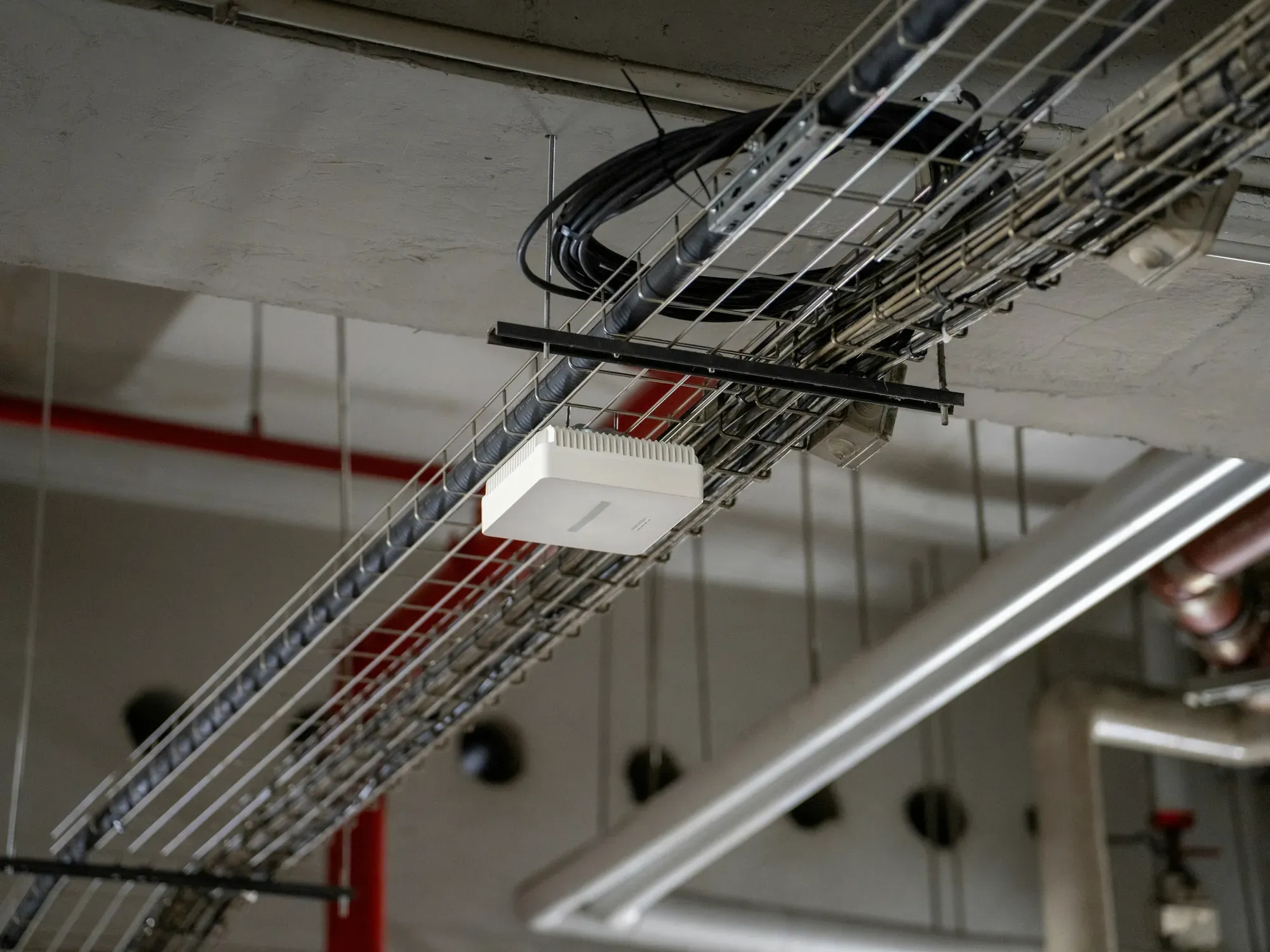
In a small business we visit for the first time, the network usually consists of a router from the ISP, a switch bought in a shop and two or three access points from different brands. Each device has a separate panel, a separate password and a different software version, and the knowledge of what is connected where lives in one person's head. The UniFi ecosystem solves this problem above all: all the network components, and if needed also cameras and access control, are visible in one place.
Whether to build a company network on UniFi or on another platform depends on a few conditions described below. We also describe how to design the network itself: segmentation, Wi-Fi and deployment.
What the UniFi ecosystem is made of
Ubiquiti divides UniFi into applications and the devices that manage them. The applications are:
- UniFi Network for gateways, switches and Wi-Fi access points; this is the former “UniFi controller”;
- UniFi Protect for cameras and recordings;
- UniFi Access for door access control;
- UniFi Talk for VoIP telephony;
- UniFi Connect for displays, lighting and similar devices in the building.
The applications run on a console. The manufacturer recommends starting with a Cloud Gateway, a network gateway with built-in management software. In a small office, this single device acts as the router, firewall and controller for the whole network. Alternatives are a CloudKey (a separate small console), NVR recorders for larger numbers of cameras, official UniFi cloud hosting or a self-hosted installation of UniFi Network on your own server.
Everything is tied together by the UniFi cloud management dashboard, available in a browser at unifi.ui.com and in the mobile app, which shows all locations. In our project for a company with 7 workstations, the full set looked like this: a UniFi Dream Machine Pro gateway, a 24-port PoE switch, three Wi-Fi 7 access points and recordings from six cameras in UniFi Protect. The work is described in our infrastructure upgrade case study.
How to choose a UniFi console for the size of your business
The choice of console determines how many devices and applications the network can handle and whether it will fit in the rack. Ubiquiti describes the models as follows:
| Console | According to the manufacturer | When we choose it |
|---|---|---|
| UCG-Ultra | compact device, routing up to 1 Gb/s | small office with a connection up to 1 Gb/s, no cameras |
| UCG-Max | 2.3 Gb/s routing and the full set of UniFi applications | small office without a rack cabinet, with a few cameras |
| UDM-Pro, UDM-SE | rack-mount devices, 3.5 Gb/s routing, full set of applications | a typical company with a rack cabinet and CCTV |
| UDM-Pro-Max | much more processing power and memory, plus a second drive for recordings | more client devices and cameras, a requirement for resilient recording |
| Enterprise Fortress Gateway | 25 GbE network, more than 5,000 clients, Network application only | large sites, cameras on a separate console |
| CloudKey+ | small console for Network, Protect, Access and Talk, up to 12 cameras | additional console for cameras or access control |
In most companies with a rack cabinet we start with the UDM-Pro or UDM-SE, because they have performance headroom and space for a recording drive. We choose the compact version where there is no rack cabinet and the connection does not exceed 1 Gb/s.
UniFi licences and the real cost of running it
Ubiquiti states on its website: "No licences. No subscriptions", and in its Cloud Gateway FAQ it declares that using the gateways and managing them remotely through the UniFi portal requires no fees or licences. So you pay no subscription simply for running the network through UniFi Network on a console or through the cloud management panel. Other platforms charge for this differently, which is why we compare the cost of the whole project rather than the licence price alone.
Additional services, however, are paid, and the list changes over time. The vendor describes UniFi Talk telephony as a system with a VoIP subscription, and we check its availability in Poland before every project. Official UniFi cloud hosting is also paid. It works as a subscription sized to the number of managed devices, and once cancelled, the instance is shut down at the end of the paid period. Businesses with one or a few sites have no need for it, because an on-site Cloud Gateway does the same job.
No licences does not mean no costs. The company pays for hardware, design, installation, configuration and administration. The budget should also include a spare unit for the most important component, usually the gateway, because the failure of the only console stops the internet across the whole company.
A fair deployment price cannot be worked out from headcount or office floor area alone. The cost depends on:
- number and type of devices;
- existing cabling and necessary installation work;
- spare ports and PoE power;
- redundancy and emergency power requirements;
- measurements, configuration, tests and documentation;
- maintenance, monitoring and service response time.
When UniFi makes sense for a business
We recommend UniFi when three conditions are met. The business has one or a few sites, from a handful to several dozen workstations, and wants a predictable cost with no licence fees for management. It also wants to run the network, Wi-Fi and video surveillance from one place.
Typical uses are an office with a warehouse, a clinic or practice, a hotel or guesthouse, a shop with a back room. The shared dashboard speeds up diagnosis: you can see which switch port serves a camera, how many devices are connected to a given access point and when the configuration was last changed. When expanding, a new access point takes over the network settings after adoption, without manual configuration.
UniFi also works well where someone from the company will look after the network after deployment. The interface is clear, and basic tasks, such as checking Wi-Fi clients or restarting an access point, do not require networking knowledge.
When we choose Zyxel Networks
As a Zyxel Networks Partner, in some projects we recommend this platform instead of UniFi, which we work with without partner status. Three situations decide this.
The first is a company with many branches and no IT specialist of its own on site. Zyxel states that its cloud platform lets you bring devices online at new locations in “plug and play” mode, because the hardware downloads its configuration from the cloud by itself. We prepare the network design remotely, and at the branch it is enough to plug the device in.
The second is security requirements that the business wants to buy as a service with updated signatures. In Zyxel Nebula the basic management plan (Base Pack) is free, while firewall security services such as threat filtering, IPS and application control require a Gold Security Pack licence for each firewall. This is a recurring cost, and we show it in the quote from the start.
The third is the need for a longer event history in the cloud panel. On the free plan Nebula keeps logs and statistics for one day, while the paid Plus and Pro plans extend this to 7 days and a year respectively.
We write more about this platform on the page Zyxel Networks for businesses.
When neither platform is the right one
If a company has a working network from another brand that is still supported by its manufacturer, we do not replace it just to unify the dashboard. The cost of migration rarely pays for itself sooner than the natural end of life of the hardware. We also choose another platform when a corporate group imposes a corporate standard or the project requires advanced routing beyond the capabilities of the gateways in both ecosystems.
Network segmentation in UniFi
UniFi supports the mechanisms needed to separate traffic logically. Creating several VLANs (virtual local area networks) is the first step; isolation only comes from routing and firewall rules, which have to be configured and tested in practice.
In a typical project, for example, you separate:
- computers and business phones;
- guest devices;
- printers and IoT devices;
- cameras and recorders;
- administrative devices.
The division should result from the risk analysis. Too many segments complicate maintenance, and too few can unnecessarily increase the impact of a single device takeover.
The Wi-Fi project is more important than the number of access points
There is no universal rule that one access point serves a specific area. The result is influenced by, among others, walls, ceilings, interference, installation height, number of users, type of devices and application requirements.
The correct process includes:
- gathering coverage, capacity and availability requirements;
- analysis of building documentation or site inspection;
- preliminary device layout design;
- radio measurements when conditions or project risks so require;
- post-installation tests and corrections of power, channels and bandwidth.
Adding more access points without a plan can increase interference. Roaming also depends largely on the behaviour of the client device, which we describe in our article on Wi-Fi roaming in a company.
The UniFi update cycle
Updates are managed centrally from the UniFi cloud dashboard or the mobile app. For each console and application you can enable automatic updates, schedule them or run them manually. Ubiquiti provides two release channels: Official and Early Access, which gives earlier access to new features before their full release.
In company networks we follow fixed rules:
- Official channel only. Early Access releases do not go onto production networks.
- Gateway updated in a maintenance window. Restarting the gateway cuts the internet for the whole company, so we do it after working hours.
- Configuration backup before every change. It lets you return to the previous state without recreating settings from memory.
- Access points in waves. First one, then the rest, so that a bug in the new version does not take down all the Wi-Fi at once.
- Reading the release notes. Ubiquiti publishes notes for every update and we read them before installing.
We describe this in more detail in our article on managing firmware updates in a company network.
The limitations of a single ecosystem
A shared dashboard means dependence on a single manufacturer. If cameras, access control and the network run on the same console, its failure takes out all three functions at once. Ubiquiti itself allows Protect, Access or Talk to be moved to a separate console to increase performance, and the most powerful gateway in the range, the Enterprise Fortress Gateway, runs only the Network application. With a dozen or more cameras, or access control for the most important rooms, we therefore plan a separate recorder.
The second limitation concerns what the dashboard cannot see. The ISP connection, cabling, backup power and devices from other manufacturers need separate documentation and monitoring. That is why after every deployment we hand over as-built documentation, not just access to the console.
How we deploy UniFi in a business
We start with an inventory: of devices, the connection, cabling and what has to keep working in the event of a failure. Then we choose a console and switches with spare ports and PoE power budget, design network zones (VLANs) and access point placement based on a floor plan or a survey. After installation we check Wi-Fi at the workstations, set up administrative accounts with a second login factor and hand the documentation over to the company as its property.
We describe the scope of UniFi deployment and takeover on the page Ubiquiti UniFi for businesses, and the design and maintenance of networks from other vendors on the page corporate networks. Ongoing support for the whole environment is covered by IT outsourcing.
Frequently asked questions
Does UniFi require a subscription?
According to Ubiquiti, managing the network on a UniFi console and through the vendor's cloud panel is licence-free. A subscription applies to additional services, including official UniFi cloud hosting, which a business with its own on-site console does not need, and UniFi Talk telephony. The vendor keeps expanding its list of paid services, so we check the current offer before quoting.
Does the UniFi network work without an administrator?
Once properly configured, the network can operate without daily intervention, but still requires updates, monitoring, configuration backups, and failure response. The scope of care should correspond to the importance of the network for the company's operations.
Can cameras run on the same console as the network?
Yes, most Cloud Gateway consoles run both Network and Protect. With a few cameras this is a sensible solution. With more cameras, or requirements for continuous recording, we move Protect to a separate console or recorder, so that the failure of one device does not take down the network and CCTV at the same time.
Can you take over an existing UniFi network from another contractor?
Yes. We start by taking over the console owner account, backing up the configuration and reviewing software versions, and then we document the network if documentation is missing.
Sources
- Ubiquiti, Choosing the Right UniFi Control Plane, https://help.ui.com/hc/en-us/articles/30127033090071-Choosing-the-Right-UniFi-Control-Plane (accessed 02/10/2026)
- Ubiquiti, Getting Started with Official UniFi Hosting, https://help.ui.com/hc/en-us/articles/4415364143511-Getting-Started-with-Official-UniFi-Hosting (accessed 02/10/2026)
- Ubiquiti, UniFi Updates, https://help.ui.com/hc/en-us/articles/7605005245975-UniFi-Updates (accessed 02/10/2026)
- Ubiquiti, Building the Future of IT (home page), https://ui.com/ (accessed 10/10/2026)
- Ubiquiti, Cloud Gateways (FAQ, UniFi Talk description), https://ui.com/cloud-gateways (accessed 10/10/2026)
- Zyxel Networks, Nebula Cloud Networking, https://www.zyxel.com/global/en/products/nebula-cloud-networking (accessed 02/10/2026)
- Zyxel Networks, Nebula Control Centre: Plans and Pricing, https://www.zyxel.com/global/en/products/nebula-cloud-center/nebula-control-center/plans-and-pricing (accessed 10/10/2026)
As of 2 October 2026. We rechecked licences and paid services on 10 October 2026.