

VLAN segmentation in business: why separate guests, cameras, printers and servers
On a flat network, a guest's phone, a camera, a printer and the accounts team's computer are all neighbours. VLANs let you separate them on the same hardware, and the rules between segments decide who has access to what. We show a typical network layout in a small business, a traffic matrix and the most common mistakes.
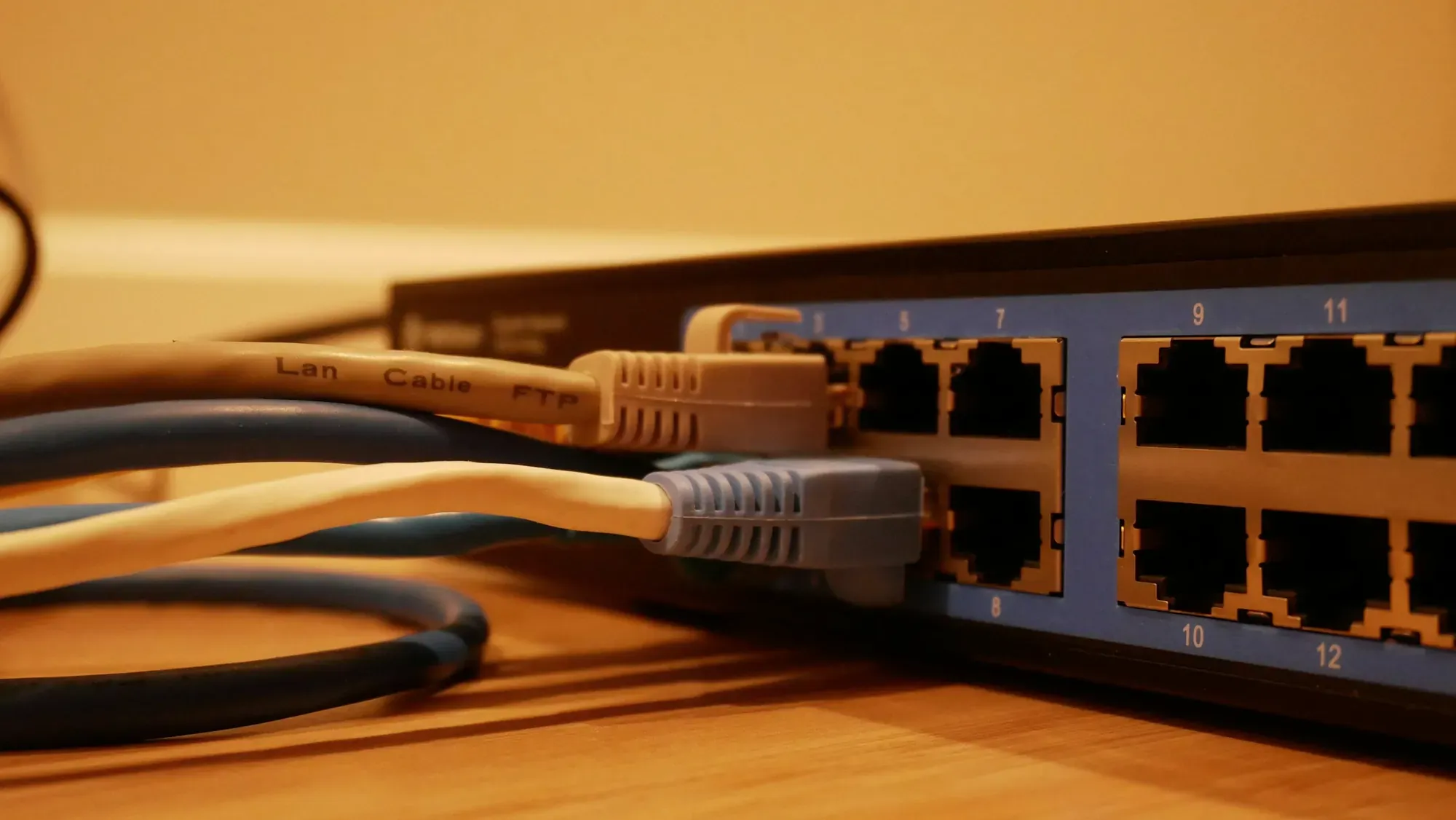
When we take over a network in a small business, we most often find one flat network. Computers, the server, printers, the camera recorder, the TV in the meeting room and guest Wi-Fi all use the same address pool. The guest network password is different from the company one, so everyone believes guests are separated. In fact both wireless networks end up in the same segment, and a customer's phone in the waiting room can see the recorder's admin panel and the shared accounts folder.
Segmentation changes this. It divides the network into zones according to how much you trust the devices and describes what traffic may pass between them. It is most often done with VLANs on the switches and access points the business already has.
What a VLAN is and where the boundary is created
VLAN (Virtual LAN) is a logical network carved out on shared cabling and shared switches. The mechanism is described in the IEEE 802.1Q standard, which defines how network bridges work, including switches that support VLANs. A frame sent between switches gets a tag with the virtual network number, so one cable can carry traffic for several segments at once.
Two concepts come up in every configuration:
- An access port (access) belongs to one VLAN. A device plugged into it, for example a camera, knows nothing about segmentation.
- A trunk port carries several tagged VLANs. This is how switches are connected to each other, to the router and to Wi-Fi access points that broadcast several networks.
Devices in different VLANs do not talk to each other directly. Traffic between segments must pass through a router or firewall, and that is exactly where the security boundary is created. If the gateway lets everything through between segments, VLANs only tidy up the addressing. Protection only comes from the rules.
Why segment a business network
The UK's NCSC guidance on limiting lateral movement (i.e. an attacker moving across the network after taking over the first device) recommends identifying, grouping and isolating systems that are important to the business and applying appropriate network controls to them. The logic is simple: the device through which the attacker entered the network should have no route to the server holding the data.
The US CISA takes the same direction in its CPG 2.0 goals. It recommends logically dividing the network by trust boundaries and device types, explicitly naming IT, IoT, mobile devices and guests, and allowing only the required communication between segments. In its ransomware guide, CERT Polska states that logical or physical separation of company departments, when properly configured, limits the effects of an infection on the network.
Segmentation also brings benefits beyond security. Problems are easier to diagnose, because you know which segment a device is in. You can prioritise telephony or production systems. A new device goes into the right zone according to a rule, without a discussion every time.
A typical network split in a small business
The split below is a starting point for a conversation about your network. For every arrow between segments, you need to answer who needs to reach there and why.
| Segment | What's in it | What it usually needs |
|---|---|---|
| Administration | Admin panels for switches, access points, the NAS and the hypervisor | Access only from administrator workstations |
| Servers | ERP, file server, backups | Access from workstations to specific services |
| Workstations | Employees' computers and laptops | Internet, servers, printers |
| Printers | Printers, scanners, multifunction devices | One-way traffic from workstations, scanning to a designated folder |
| Monitoring | Cameras and recorder | Traffic within the segment, viewing from designated workstations |
| IoT and multimedia | TVs, controllers, sensors | Usually internet only |
| Guests | Visitors' phones and laptops | Internet only |
In a business with production or a warehouse there are usually also terminals, barcode scanners and machines. The number of segments should follow from the number of real trust boundaries, not from what the hardware can do. A network split into a dozen or more VLANs that nobody can maintain is worse than a network with four well-thought-out zones.
Guest network: what it actually isolates
Simply naming a Wi-Fi network “Guests” does not separate anything. Isolation comes from three layers that answer three different questions:
- VLAN: is the guest segment logically separated from the rest of the network?
- Gateway rules: is traffic from the guest segment to the other segments blocked?
- Client isolation: can guest devices see each other within the same segment?
Manufacturers of business equipment have ready-made mechanisms for this. According to the Zyxel Nebula documentation, an interface marked as guest gives connected devices internet access but does not allow them to communicate directly with each other or reach the network behind the device. A separate guest isolation feature blocks visibility between users of the same Wi-Fi network. In UniFi it is configured in a similar way, from one dashboard: the virtual network is assigned to the Wi-Fi network and to switch ports, and isolation is then switched on.
This is the difference from the guest mode on a router from the internet provider. Such a mode usually covers one extra wireless network and works on an “on or off” basis. A VLAN also covers wired ports, so a camera in the corridor or a printer at reception can belong to a different segment from the computer next to it. We write more about when the provider's router is no longer enough in our post on router from the operator and managed corporate network, and about designing the Wi-Fi itself in our article on Wi-Fi networks in the office.
A guest network also has its limits. It does not protect the guest's device and does not control what the guest does on the internet. It limits what they can reach on your network, and that is its only, but valuable, job.
Cameras, IoT and printers in separate segments
A guest is an outsider, so the decision to separate them is obvious. The harder decision concerns devices that are permanently in the business. Cameras, recorders, TVs, air conditioning controllers and printers have one thing in common: their software is rarely updated and the business has limited control over it. In CPG 2.0, CISA lists IoT as a separate device type that should go into its own segment.
CCTV. Cameras record to the recorder and in many installations need no access outside their segment. Viewing is allowed from designated workstations, and remote access goes through a VPN instead of port forwarding on the router. We described planning the camera system itself in our post on CCTV for businesses.
Printers. Workstations send jobs to printers, but a printer does not need to open connections to computers. The exception is scan to folder, which requires one documented rule to a specific server. Once segments are separated, automatic printer discovery in the operating system often stops working, because it relies on broadcasts that do not cross VLANs. The solution is to add the printer by its address or to deliberately forward those broadcasts on the gateway.
Administration. Admin panels for switches, access points, the NAS and the hypervisor should only be reachable from the administration segment. The NCSC recommends separating administrator accounts from everyday ones and, where possible, using separate devices for administration as well.
Rules between VLANs: the traffic matrix
The most common segmentation mistake is VLANs without a traffic policy. The default should be no access between segments, and every exception should follow from a specific need. The simplest way to record this is a table in which each row has a source, destination, service, justification and owner.
| From segment | To segment | Allowed traffic | Justification |
|---|---|---|---|
| Workstations | Servers | File sharing, ERP application port | Everyday work |
| Workstations | Printers | Printing protocols | Printouts |
| Printers | Servers | Writing to the scans folder | Scan to folder |
| Selected workstations | Monitoring | Viewing from the recorder | Site security |
| Administration | All | Management panels | Network administration |
| Guests, IoT | Other segments | None | Internet only |
Any rule that nobody can justify is a candidate for removal. The NCSC recommends that firewalls block inbound connections by default, allow only the necessary ones, and that rules are regularly reviewed for those that are no longer needed.
The most common VLAN segmentation mistakes
- An “any to any” rule added in a hurry. Something stopped printing, someone opened up traffic between segments and it stayed that way.
- Managing devices in the default VLAN. Switch admin panels reachable from the same segment as workstations and guests.
- All VLANs on every port. A trunk configured on office wall sockets lets a connected device join any segment.
- Forgotten wired ports. The guest Wi-Fi network is separated, but the socket in the meeting room belongs to the workstation segment.
- No documentation. A year later nobody knows why a given rule exists, so nobody dares to remove it.
Rolling out segmentation without stopping work
We introduce segmentation in stages. First, an inventory of switches, access points, addressing and devices together with their dependencies: who prints where, what connects to the server, which devices have fixed addresses. Then a design of the segments, address ranges and traffic matrix. Next, a pilot on one group of devices, migration of further segments in agreed windows and a rollback plan in case of problems.
Finally, a test that confirms both permitted and blocked traffic. A guest has internet access and cannot see company resources. A camera connects to the recorder and cannot reach the accounts department's computer. Using the documentation, an administrator can say which segment a device is in and which rule applies to it. We cover the wider context of network security in our post on basics of corporate network security.
We design segmentation independently of any vendor. We work with Zyxel hardware as a Zyxel Networks Partner and with UniFi, and the choice depends on the size of the network and who will maintain it. We handle the design, configuration and documentation of segments as part of our corporate networks.
Sources
- IEEE Standards Association, IEEE 802.1Q-2022, IEEE Standard for Local and Metropolitan Area Networks. Bridges and Bridged Networks, 22.12.2022, https://standards.ieee.org/ieee/802.1Q/10323/ (accessed 02/10/2026)
- National Cyber Security Centre, Preventing Lateral Movement, published 8 February 2018, reviewed 10 March 2021, https://www.ncsc.gov.uk/guidance/preventing-lateral-movement (accessed 02/10/2026)
- CISA, Cross-Sector Cybersecurity Performance Goals, Version 2.0, December 2025, https://www.cisa.gov/cybersecurity-performance-goals-2-0-cpg-2-0 (accessed 02/10/2026)
- CERT Polska, Ransomware guide (Poradnik ransomware), https://cert.pl/uploads/docs/CERT_Polska_Poradnik_ransomware.pdf (accessed 02/10/2026)
- Zyxel Networks, Nebula Control Centre User’s Guide, tutorial on configuring guest isolation on Wi-Fi, https://bulletin.nebula.zyxel.com/online-help/nebula-cc/NCC_UG-HTML_v18.10/NCC_V18.10/h_Tutorials_GuestIsolation.html (accessed 02/10/2026)
As of 2 October 2026.