

NCrewline 2.3 · operations system by NexaIT
Crewline deployment: from spreadsheets to the first huddle.
NexaIT handles the deployment from the first conversation to the day the planner approves the first plan and the manager runs the first huddle with Crewline. We install the system on your server, migrate data from your spreadsheets, configure processes together with your people and stay with you after go-live, if you wish.
The deployment in five stages.
We start with an online demo on demo data from a distribution centre and an assembly plant, and then talk about your processes, shifts, productivity standards and the spreadsheets you plan in today. On that basis we prepare a single proposal covering the scope of work, the licence and optional support.
Next, we install Crewline on your server, set up sites with an industry template, import departments, processes, productivity standards and process flows from your files, transfer the staffing baseline from your spreadsheet, connect the actuals data sources and, finally, prepare the first plan and run the first huddle together with the team who will use the system every day.
- demo and a conversation about your processes
- a quote in a single proposal
- installation, configuration and data import
- integration with your WMS, ERP or MES, if in scope
- first plan, first huddle and training for each role
An application that guides new users.
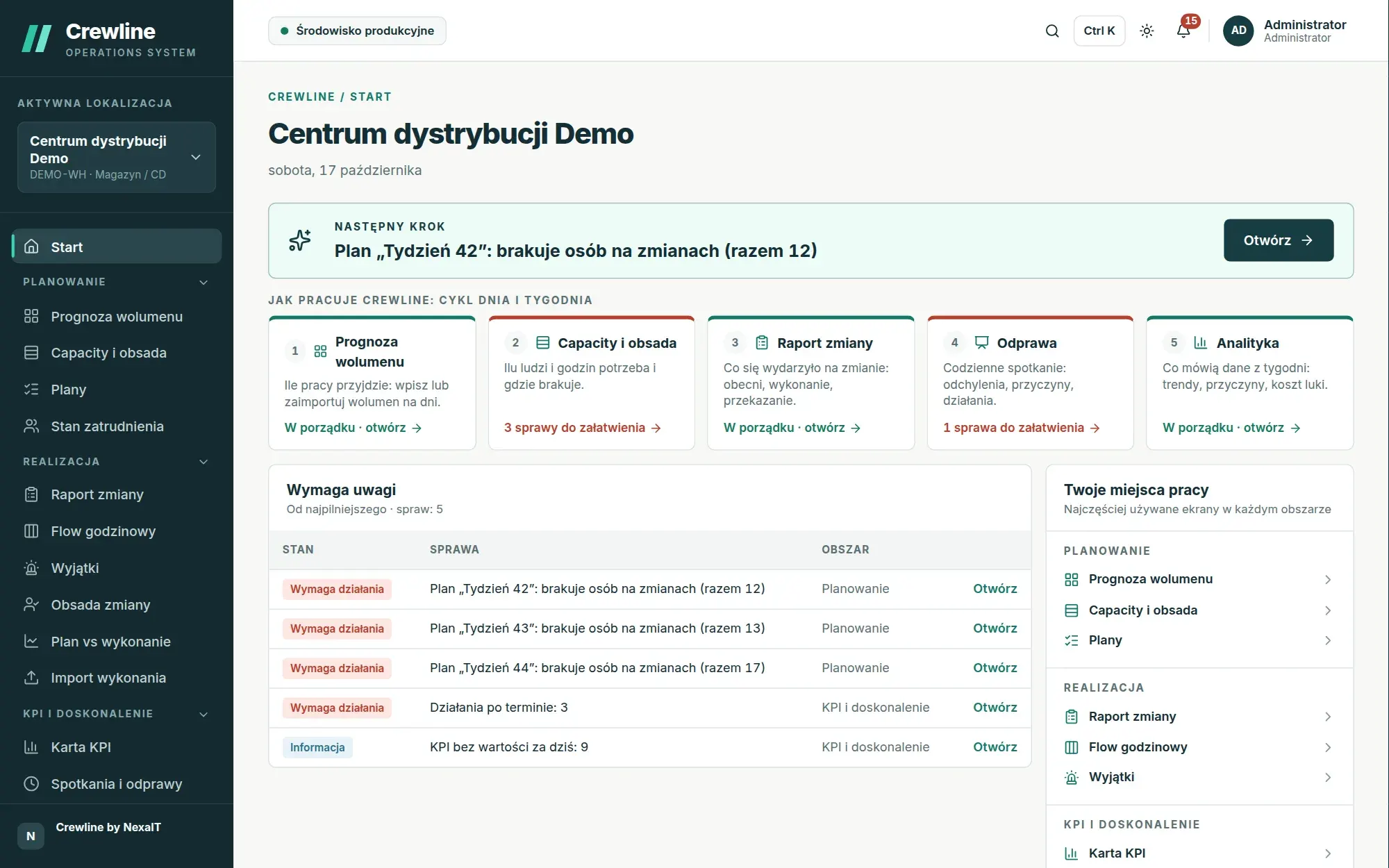
After logging in, the administrator goes through a three-step wizard: organisation, first site and industry template, followed by a setup checklist that ticks itself off as the data is completed. The home screen always shows a single next step, first from the site setup and then the most urgent item from day-to-day work.
Key screens have a short “How it works” box that explains everything in plain language in two to four steps, and the menu shows only the pages the person has permission to access. As a result, training focuses on your process rather than on where to click.
Data from your spreadsheets from day one.
We do not start with an empty database. The import wizard accepts Excel and CSV files with column mapping, full validation and an error report, and the in-app sheets accept blocks pasted from Excel. Actuals history from the last few weeks lets you immediately populate the forecast with the average of the same weekdays and calculate the first achieved standards.
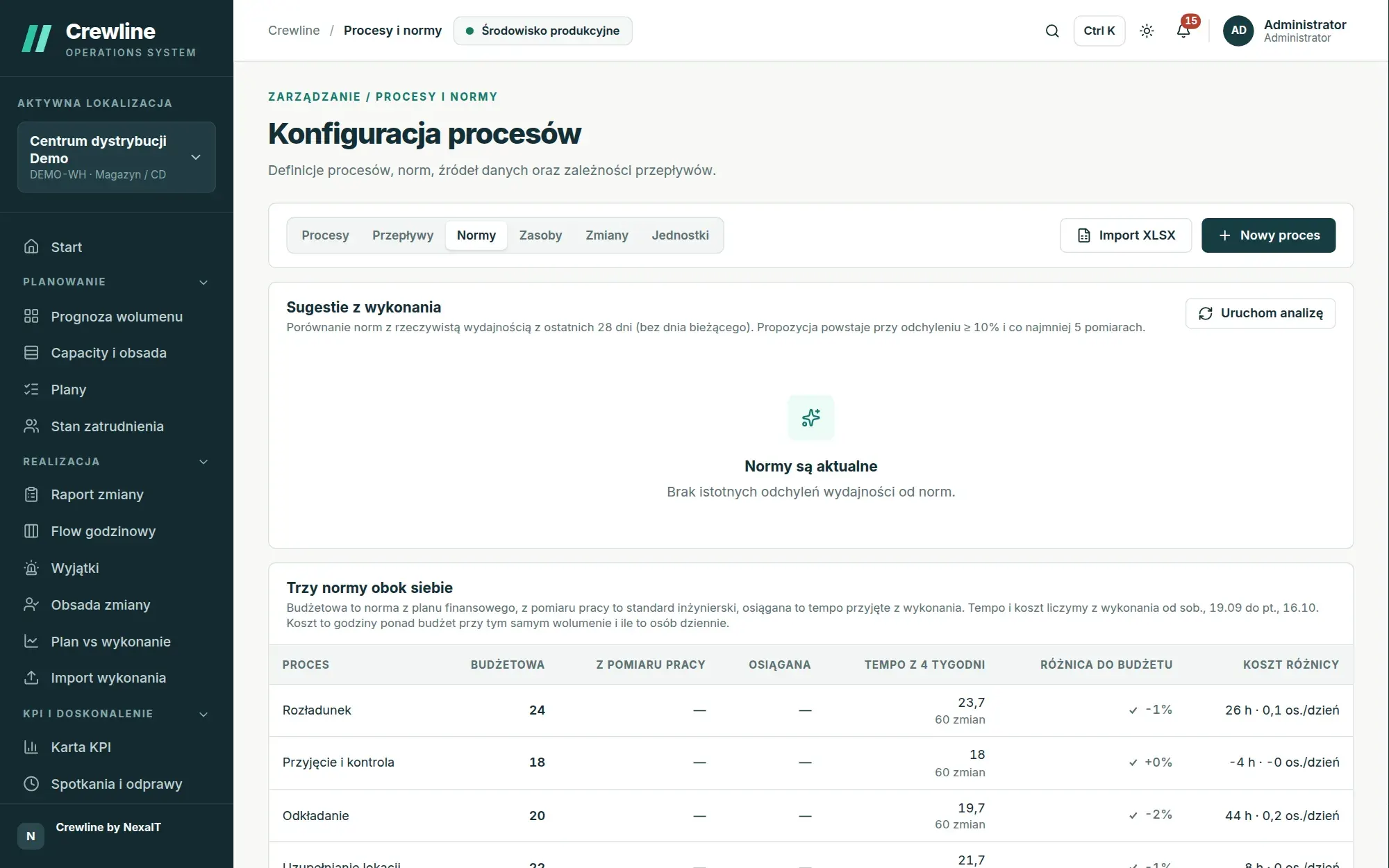
You enter budget, engineered and achieved standards side by side, and every night Crewline compares them with the actual pace and proposes new versions, so within a few weeks the plan is based on how your crew really works.
Server requirements and performance under load.
Crewline runs on a single server with Linux, Docker and Docker Compose. The minimum is 2 vCPUs, 4 GB of RAM and 20 GB of SSD storage, and for a hundred concurrently active users we recommend 4 vCPUs, 8 GB RAM and 50 GB SSD plus space for backups. For two hundred active users, 4 to 8 vCPUs and 12 GB RAM are sufficient, and there can be several times as many registered accounts.
We measure performance before release using a load test with response-time budgets. Importing a file with 10,000 rows takes about 4.7 seconds against a 10-second budget, and in a Lighthouse mobile simulation the sign-in page achieves an LCP of 2.45 seconds against a 2.5-second budget. The table below shows the load test results from the latest report.
- Linux x86_64, Docker Engine 24 or later, Docker Compose v2
- HTTPS automatically via Let’s Encrypt or behind your proxy server
- PostgreSQL 16, Valkey 8 and the Caddy server included
| Measurement (4 API server processes) | 50 users | 100 users | 200 users | Budget |
|---|---|---|---|---|
| API reads, p95 | 65 ms | 76 ms | 210 ms | 300 ms |
| API reads, median | 17 ms | 17 ms | 27 ms | no budget |
| What-if simulation for the weekly plan, p95 | 180 ms | 210 ms | 410 ms | 2 s |
| Current shift Flow, p95 | 20 ms | 30 ms | 160 ms | 300 ms |
| Operational analysis over 28 days, p95 | 65 ms | 67 ms | 160 ms | 300 ms |
| Error rate | 0% | 0% | 0% | below 1% |
Updates and backups, free of surprises.
Crewline uses semantic versioning, and patch and minor releases update without manual steps, because database migrations run automatically on start-up. We take a backup before every update, and browsers and tablets download the new version automatically, including in tabs opened before the update.
A database backup is made daily with rotation over a configured number of days, and the restore procedure is tested by a script that restores the backup into a separate, temporary database and compares the row count of every table. You decide when updates happen, not the vendor.
- an environment badge distinguishing production from a test copy
- a diagnostics bundle for support tickets, without secrets
Support after go-live as you choose.
After deployment, you can leave maintenance to your own administrator, using the full documentation on installation, configuration, updates, backups and troubleshooting, or entrust it to us. As your external IT department, we then look after the server, updates, backups and user contact, and you have one company responsible for everything.
We build and develop Crewline at NexaIT, so you talk directly to the team that knows the product’s code, not to an intermediary.
Questions about Crewline: deployment.
How long does a Crewline deployment take?
It depends on the number of sites, processes and integrations with your systems, so we give the timeline in our proposal after discussing the scope. Industry templates, Excel import and an application that guides you through setting up a site keep configuration to a minimum.
What server is required?
Linux with Docker and Docker Compose. The minimum is 2 vCPUs, 4 GB RAM and 20 GB SSD, and for a hundred concurrently active users we recommend 4 vCPUs, 8 GB RAM and 50 GB SSD. It can be a server on your own network or a cloud server you rent.
Can NexaIT maintain Crewline after deployment?
Yes, support is optional and quoted together with the licence and deployment. You can also maintain the system yourselves using the administrator documentation.
How do updates work?
We take a backup before each update, and database migrations run automatically when the new version starts. You decide when updates happen, and browsers and tablets download the new version automatically.
Can we see Crewline live first?
Yes, in an online demo we show the whole work cycle on demo data from a distribution centre and an assembly plant, and then talk about your processes. You can choose a slot in the calendar or arrange one by phone.
Online demo · no obligation
See Crewline live, using your own processes as the example.
- Online demoWe walk through the full cycle on demo data from a distribution centre and an assembly plant, then ask about your processes, your shifts and the spreadsheets you plan in today.
- QuoteWe quote the licence, deployment and optional support for your company in a single offer, prepared after a conversation about scope.
- Installation and configurationA server on your network or one you rent in the cloud, an industry template, processes, process flows, standards and data migrated from your spreadsheets.
- Go-live with your teamThe first plan, the first huddle and training for planners, shift leaders and managers on the screens they will be using.